8 Steps to 2K: Qwen Image 2.1 Turbo Cuts Generation Time Without Sacrificing Quality
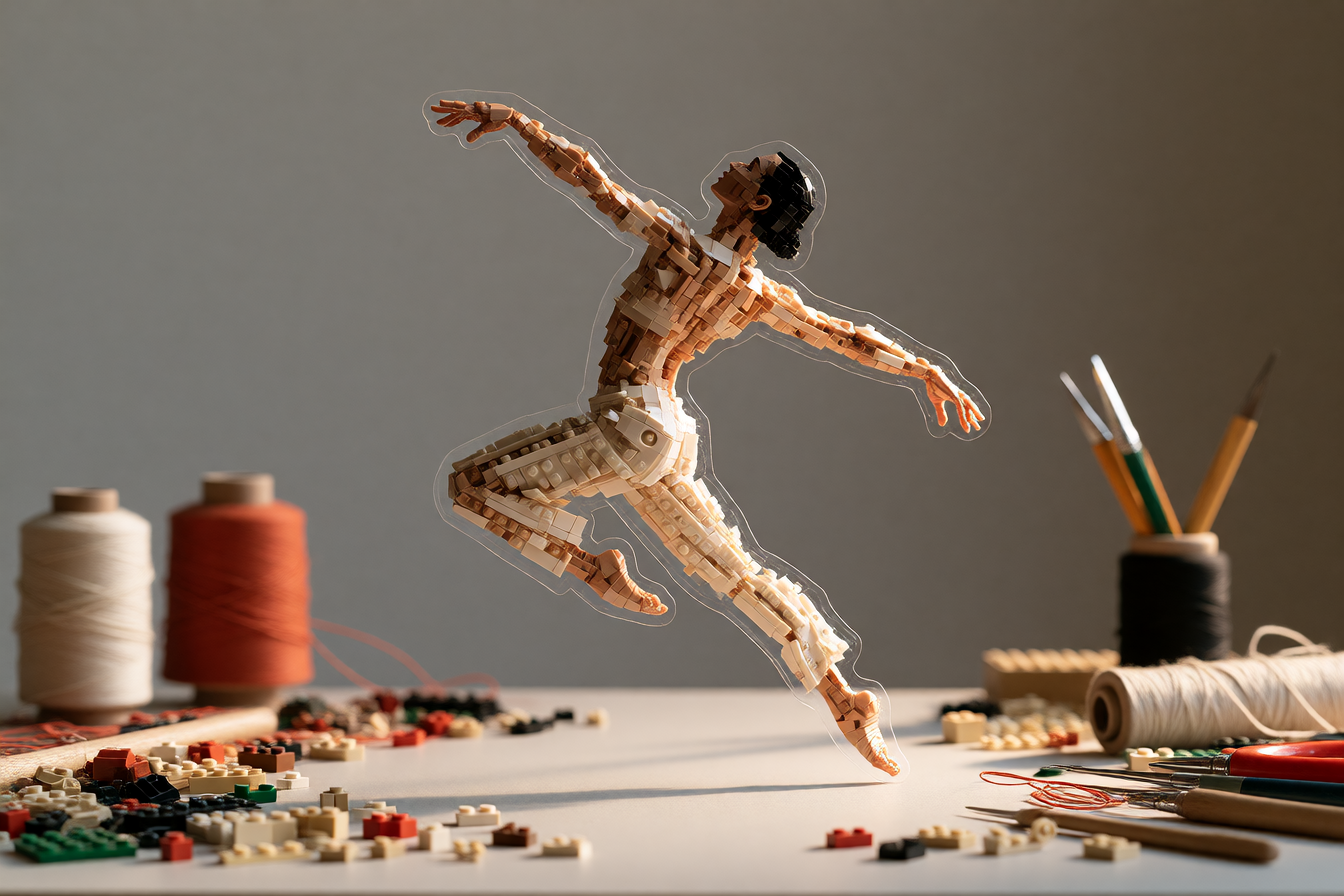
On October 9, Alibaba's Qwen team released Qwen-Image-2.1-Turbo, a speed-optimized checkpoint that cuts image generation and editing from 40 denoising steps down to 8, all within the same 7 billion parameter visual generation model. It's open-source under the Qwen Research License, ships natively in ComfyUI, and keeps one of the original's best features: native RGBA transparency baked directly into the output.
Why Speed Matters at 8 Steps
Qwen-Image-2.1, released September 20, was already lean compared to rivals—a unified model that does both text-to-image and instruction-based editing without model swaps. The base model ran 40 denoising steps. Turbo distills that down to 8 steps by baking a sampling schedule into the checkpoint itself, running at CFG 1 by default. The sampler settings come pretuned—you load and generate, no sampling schedule fiddling required.
Creators already impressed with 2.1 said they "wouldn't really have thought there'd be a need for a turbo", but iteration speed compounds. Eight steps instead of 40 means testing prompt variations, editing passes, and multi-image compositions happen in time that feels interactive rather than waiting-for-render.
What People Are Making With It
ComfyUI shipped native support within hours of release, with example workflows for text-to-image and editing already available. The model handles portrait photography, poster typography, and character-consistent compositing all from the same checkpoint.
Editors are wiring it into multi-step workflows. One Patreon creator built an 8-step image-edit workflow using community turbo LoRAs, running edits—"make the sky sunset orange," "add accessories to this character"—in 4-6 steps with language instructions. Another published a character-sheet workflow that pairs two reference images through Qwen's edit pipeline to generate consistent variations at 1680×2512 resolution in 8 steps.
Product designers are compositing transparent PNGs directly from generation—stickers, logos on mockups, icon variations—because the alpha channel is written by the model, not baked in post. That cuts a step out of asset pipelines. Outfit-change workflows, scene compositing, pose guidance from reference images—all running in 8 steps on consumer GPUs.
What's Actually Good, What Isn't
The speed is real, but denoising step count is not the same as wall-clock time. Eight steps means eight iterations of the diffusion process, but total inference time depends on GPU, quantization method, and whether you're running locally or on an API. Community members have posted turbo LoRAs—the Viggle 6-step and Alibaba-PAI 4-step variants—that push acceleration further at the cost of model downloads.
The license restricts commercial use unless you get a separate commercial agreement from Alibaba. Turbo keeps the same resolution presets as the base model: square up to 2048×2048, 16:9 up to 2752×1536. Quality scales with your sampler choice—Banodoco users report stochastic samplers outperform fixed Euler on turbo checkpoints. There's tuning involved if you're after consistency across multiple runs.
The editing still requires plain-language instruction descriptions, not keyword prompts. "Make the sky sunset orange" works better than "golden hour sky," because the model was trained on natural-language edits.
How to Try It
Weights are on Hugging Face and ModelScope under the Qwen Research License, with ready-to-go ComfyUI files (Comfy-Org/Qwen-Image-2.1) in three quantization forms: full precision, int8, and GGUF for low-VRAM setups. Alibaba also switched on hosted Pro and Turbo APIs on Alibaba Cloud Model Studio the same day.
If you're already running Qwen-Image-2.1 locally, you only need to download the Turbo checkpoint—same architecture, same editing pipeline, same transparency support, just 8 steps instead of 40.