5 Mistakes People Make with AI Image Generators (And How to Fix Them)
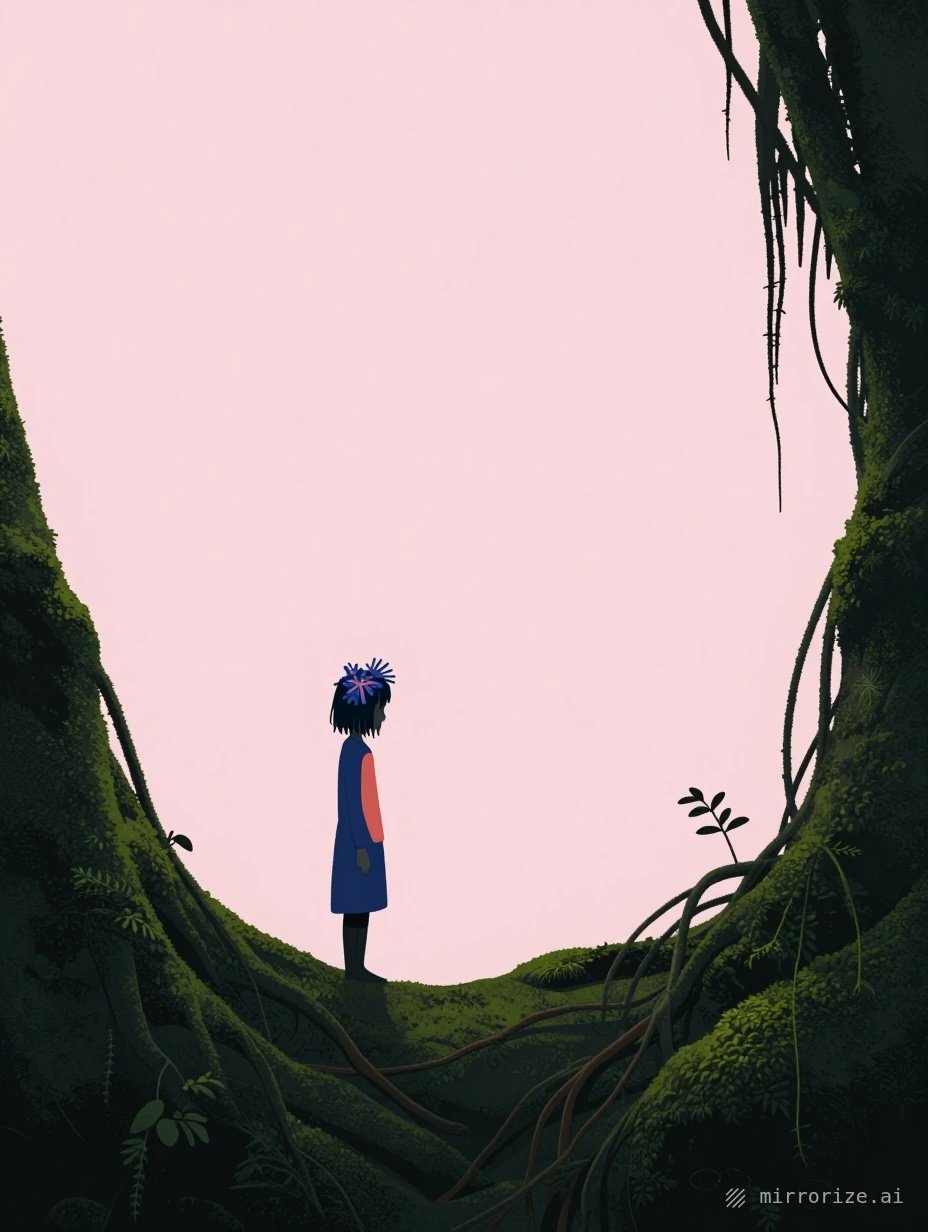
You're Making These 5 Mistakes with AI Image Generators (And Here's How to Stop)
AI image generators are ridiculously powerful — but most people use them like they're typing into Google. The results? Bland, generic images that all look the same. If your AI art feels mediocre, you're probably making one of these five mistakes. The good news: they're all easy to fix.
Mistake #1: Writing Vague Descriptions
"A beautiful sunset" → generic orange sky
"A cool character" → forgettable person standing there
"Fantasy landscape" → the same mountains everyone else generates
Why this happens: AI image generators work best with specific details. When you're vague, the AI fills in the blanks with whatever it's seen most often. That means you get the most common, most generic version of what you asked for.
How to fix it:
Replace general words with specific ones. Instead of "beautiful sunset," try "sunset over a fog-covered pier, golden light breaking through purple clouds, silhouettes of fishing boats." Instead of "cool character," describe what they're wearing, their expression, the lighting on their face.
The difference is night and day. On Mirrorize, this matters even more when you're stacking styles — the more specific your base description, the better those styles can enhance it rather than fight it.
Quick win: Add one sensory detail and one mood word to every prompt. "Rainy street" becomes "rain-slicked cobblestone street, neon reflections, melancholic atmosphere."
Mistake #2: Ignoring Which Image Generator You're Using
Not all AI image generators work the same way. Yet people treat them like interchangeable tools, copy-pasting the same prompt across different generators and wondering why the results are wildly inconsistent.
Why this happens: Each generator has a different "personality" based on what it was trained on. Proximity on Mirrorize excels at intimate, cinematic shots with shallow depth of field. Stellar handles complex compositions with multiple subjects. Manga is built specifically for anime-style artwork. Using them all the same way is like using a hammer for every job.
How to fix it:
Match your generator to your goal:
- Cinematic portraits with mood? → Proximity or Singularity
- Complex scenes with multiple elements? → Stellar or Gravitron
- Anime art with traditional aesthetics? → Autumn from the Seasonal Collection
- Clean, modern 3D look? → Winter or Stratus
- Bright, vibrant energy? → Spring (the newest seasonal generator)
- Classic anime vibes? → Horizon or 1990
Start with one generator and learn its strengths before jumping around. On mirrorize.ai, you can see your past generations in the Gallery — revisit them to understand which generators consistently give you the results you want.
Quick win: Pick three generators that match your style. Use only those for a week. You'll get better results than randomly trying all 50+.
Mistake #3: Not Using Styles (Or Using Too Many Wrong Ones)
Mirrorize has over 100 styles you can stack up to three at a time. Most people either ignore them completely or throw random ones together hoping something cool happens.
Why this happens: Styles seem like decoration, but they're actually instructions for how the image should be made. They control composition, texture, mood, lighting, and more. Using them randomly is like asking three different photographers to shoot the same subject — you'll get chaos, not cohesion.
How to fix it:
Think in layers:
- Composition first — styles from Shots & Angles like Dutch Angle, Bird's Eye, or Close-up Portrait
- Texture or technique — Film Grain, Oil Painting, Watercolor, Frozen (ice textures)
- Mood or finish — Cinematic, Moody, Ethereal, Cyberpunk
The Intelligent Styles system positions these automatically in the right place in your prompt, so they work together instead of fighting each other.
Example stack that actually works: Dutch Angle + Frozen + Cinematic gives you dynamic tilted compositions with ice textures and dramatic lighting.
Quick win: Use just ONE style until you understand what it does. Then add a second. Master combinations before going for all three slots.
Mistake #4: Giving Up After One Try
You type a prompt. The image is okay but not quite right. You shrug and move on to something else. Sound familiar?
Why this happens: People treat AI image generation like a slot machine — one pull, one result. But the best AI art comes from iteration. The first generation is rarely the keeper.
How to fix it:
Use the Remix button. On Mirrorize, hover over any image in your Gallery, hit Edit, and you'll reload that exact prompt and settings. Now tweak one thing — change a word, adjust the generator, add a style.
This is how you go from "pretty good" to "exactly what I wanted." Small changes compound. Change "standing" to "walking away from camera." Swap Proximity for Singularity. Add the Moody style.
Also: look at your image and describe what's wrong. "Too bright" → add "dark shadows" or the Moody style. "Boring composition" → add a Shots & Angles style or change the camera position in your prompt.
Quick win: Generate your prompt three times with three different generators. Pick the best one, then Remix it twice with small changes. That's five attempts for the effort of one.
Mistake #5: Not Turning Your Best Images Into Videos
You make a stunning image. You download it. It sits in a folder. That's it.
Why this happens: Most people don't realize how easy it is to animate their images now. They think video generation is a separate, complicated thing. It's not.
How to fix it:
Click the Animate button on any image in your Mirrorize Gallery. It loads that image directly into the Video tab. Now you're one click away from bringing it to life.
Use PixVerse v6 for the best quality — it handles subtle motion, camera movement, and even audio. Start with 5 seconds (15 credits) to test. If you like it, generate the 15-second version (40 credits).
Not sure what motion to add? Click "Ideas from image" and the AI will suggest video prompts based on what's in your image. A portrait might get "slow camera push-in, hair moving gently in the wind." A landscape might get "clouds drifting across the sky, golden hour lighting shift."
Videos feel more alive. They perform better on social media. They're more engaging in presentations. And on Mirrorize, they're as easy to make as the image was.
Quick win: Take your favorite image from this week. Animate it with a simple prompt like "slow camera zoom" or "gentle motion." See what happens. You'll start thinking in video from day one.
The Real Fix: Stop Treating AI Like a Magic Button
The pattern across all five mistakes? People expect AI image generators to read their minds. They don't. They're powerful tools that respond to clear direction.
Get specific with your descriptions. Choose the right generator for the job. Use styles intentionally. Iterate on what's almost there. Turn static images into motion.
Do this and your AI art stops looking like everyone else's. It starts looking like yours.
Try these fixes on mirrorize.ai — you've got 50+ image generators, 100+ styles, and video generation all in one place. Pick one mistake from this list, fix it in your next session, and watch your results level up.