Astra Enters Your Animation Timeline: Animators Iterate With an AI Agent
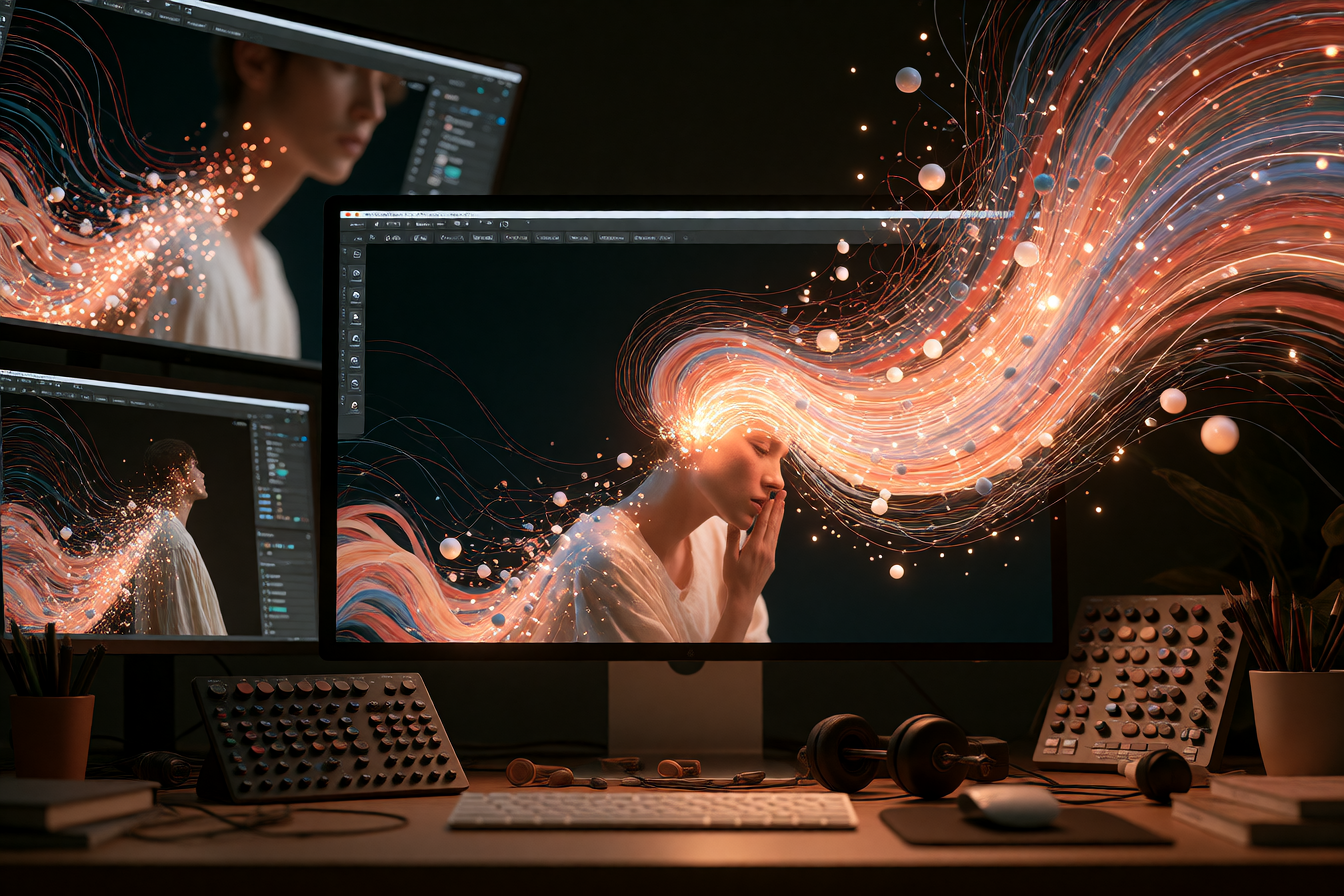
A month ago, the biggest question was whether AI could make a single game or animation from a prompt. This week, it's clear the real power is something different: an AI agent that sits inside your existing tools—Motion, Blender, After Effects, game engines—and iterates with you until you like what you see.
What's happening
Motion design studio Motion has connected Astra directly to their tool, letting creators give Astra assets and references, with Astra building scenes, animations and transitions directly inside Motion and refining them through prompts. Meanwhile, animators in community discords are shipping much longer pipelines: one creator used Astra with After Effects to make a Vox-style animated skit complete with lip sync, camera moves, and blinking characters—finished in 47 minutes.
The pattern is the same everywhere. Creators don't describe what they want in text. They open their tool, give Astra context (reference images, style, assets), and then tell it: "build this scene, add animation, try these transitions." Astra edits inside the tool. You hit "refine." Repeat.
What people are making with it
Animators are combining Blender procedural geometry built by Astra with Seedance 2.5 rendering, creating full animation pipelines. Community-built demos include full 3D racing games, stylized short animations, and AI-generated music videos, all built through iterative prompting. One creator built a full clay-to-video pipeline: Astra codes the geometry in Blender, preserves it with a render plugin, then hands it to Seedance for final render.
Astra has written scripts, made animated visuals, added text explanations and narration through voice synthesis. Another built a Starship technical animation—animated vehicle diagrams and propulsion schematics—entirely through agent iteration.
For game animation specifically, Astra rigs and animates 3D models, adding movement like walking and other actions so assets function inside interactive scenes, with animated assets then imported into Unreal Engine or Unity.
What's actually good (and what isn't)
The speed is real. One full workflow spanning concept art through animated, playable 3D scenes across three environments ran for about 12.5 hours largely unsupervised, with a human stepping in at the end—during that session, the model also managed its own usage quota periodically. For first passes, that's a different game entirely.
What holds up under inspection: camera movement, lip sync, character head position retention, eye blink timing—the details that make animation look alive rather than floaty. Astra reliably reflects specific style and tone each person was going for rather than defaulting to a generic look, especially for wildly different projects like sci-fi racing games or low-poly train animations.
What doesn't: Dialogue and pacing in AI-built RPGs remain uneven. Astra can write NPC conversations and design full 3D props, but it doesn't intuitively pace exposition or NPC movement speed the way a human game writer would. If your project needs nuanced human-written narrative, you're still the director.
How to try it
You don't need a special interface. Astra integrates through OpenAI's Codex and Model Context Protocol (MCP). If you use After Effects, Figma, Blender, or a game engine, you can set up MCP to let Astra talk to that tool directly. Most toolchain integrations are community-built and posted on GitHub, so search for your tool name + "Astra MCP."
For motion design in Motion Studio, they've made it native—just describe your shot or upload your assets and ask Astra to build or refine. Cost varies by Astra reasoning level: you can run it at "medium" for faster, cheaper iterations, or "max" for longer thinking and higher quality. Most creators report medium is enough for animation first passes.
Start with a simple project: a 5–10 second motion graphic, a character rig from one of your own concept drawings, or a short animated explanation video. Set a clear visual reference (a film frame, a color palette, a style name). Then iterate: "tighten the timing on this transition," "make the camera move feel more cinematic," "retime the jump to hit on beat."