Alternative to Instagram for Sharing AI Art and Photos
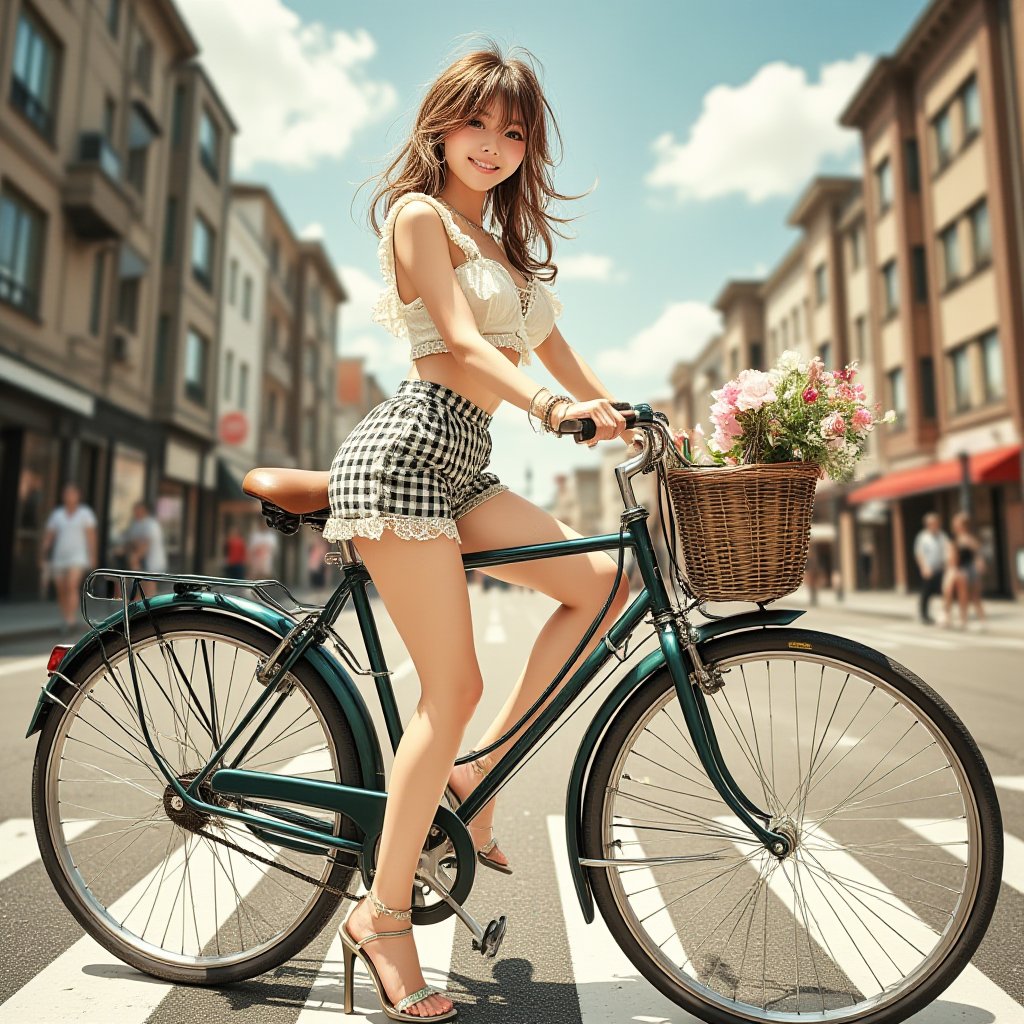
Instagram's AI Crackdown: What It Means for Digital Artists
Instagram recently announced they're labeling and potentially restricting AI-generated content accounts. If you've been posting AI art regularly, you've probably noticed the "Made with AI" tags appearing automatically — and the sudden drop in reach that comes with them.
The platform's new policy targets accounts that primarily share AI-generated images. They're not banning AI art outright, but the algorithmic penalty is real. Many creators are reporting 40-60% drops in engagement within weeks of the policy rollout.
If you're one of the thousands of AI artists suddenly feeling unwelcome on Instagram, you're not alone. And honestly? There are better places to share your work anyway.
Why Instagram Was Never Built for AI Art
Instagram's core model assumes every post is someone's "authentic moment." That worked fine when it was filtered brunch photos. But AI-generated images break that assumption entirely.
The platform can't decide if AI art is original work, appropriation, or something else entirely. So they've chosen the path of least resistance: minimize its visibility and let traditional photography dominate the feed again.
Here's what that means practically:
- Your AI posts get buried in followers' feeds
- Explore page rarely surfaces AI-tagged content
- Shadowbanning happens faster and more aggressively
- No tools for prompt sharing or remixing
- Zero support for video generation workflows
You're essentially using a tool designed for one purpose (personal photo sharing) for something completely different (creative AI experimentation).
What Actually Matters When Sharing AI-Generated Images
Before jumping to another platform, think about what you actually need:
Discovery that works. You want people who appreciate AI art to find your work — not fight an algorithm trained to suppress it.
Creative context. Being able to share your prompt, generator choice, and style settings isn't just nice — it's how people learn and improve.
Room to experiment. AI art moves fast. You need a platform that lets you try new tools, iterate quickly, and share the results without waiting for approval.
A community that gets it. Commenting "wow, AI is getting scary good" on every post gets old fast. You want conversations with people who actually use these tools.
Instagram offers none of this. Most Instagram alternatives don't either.
Mirrorize: Actually Built for AI Artists
Mirrorize isn't trying to be Instagram with better AI policies. It's built from the ground up for people making AI-generated images and videos.
Generation and Sharing in One Place
The biggest difference? You don't generate somewhere else and upload. You create directly on the platform using 50+ image generators and multiple video engines.
Make something with Proximity (the most popular generator — cinematic, intimate style), add a Dutch Angle and Frozen style combo, then click Post. It's already in your gallery. One click shares it to the feed with all the generation details attached.
People can see your prompt. They can see you used Winter (the modern 3D seasonal generator) with Film Grain and Moody lighting. They can click Remix and try their own version.
That's not possible on Instagram because Instagram fundamentally doesn't understand the creative process that made the image.
Tools That Match How You Actually Work
The AI Studio puts image and video generation in one workspace. Generate an image, like it, click Animate — it loads straight into video mode with your image ready to go.
PixVerse v6 (the high-quality video engine) can do 5, 10, or 15-second clips with audio support. Costs 15, 25, or 40 credits depending on length. MVG is the budget option if you just want quick motion.
Try making that workflow happen on Instagram: generate in Midjourney, download, upload to Runway, generate video, download, upload to Instagram, lose half your followers because the algorithm hates you.
A Feed That Actually Shows Your Work
Mirrorize's feed (called Mindstream) has For You and Following tabs. The algorithm surfaces work based on engagement and creativity — not whether it's "authentic" enough.
Posts show prompt details by default. You can Resonance (like), Echo (repost), or comment. Qi Chat is built right in if you want AI suggestions for improving your prompts.
Every post links back to the generator and styles used. It's a teaching platform as much as a sharing platform.
The Glass Credits System Makes Sense
Pro subscription is $9.99/month — gives you unlimited access to all the core generators (MV series, Illustration, Anime) plus 400 credits for commercial generators and video.
Free users pay small amounts for generations: 2-10 credits for premium image generators, 15-60 for video depending on engine and length.
Compare that to Instagram's model: free to post, but your work disappears into the void unless you pay for ads. At least on Mirrorize you're paying for actual creation tools.
Other Options Worth Considering
DeviantArt has embraced AI art more openly than most traditional platforms, but the interface feels like 2010 and discovery is weak.
ArtStation is gorgeous and professional, but skews heavily toward concept art and VFX work. AI-generated images often get hostile comments.
Twitter/X doesn't suppress AI art, but also doesn't support it. You're just posting images into the void with everyone else.
Reddit has active AI art communities (r/StableDiffusion, r/AiArt), but you're dealing with subreddit rules and moderators who may or may not understand the tools.
None of these were built for AI art. They tolerate it at best.
Making the Switch
If you're leaving Instagram (or just supplementing it), here's the practical path:
Start by creating a Mirrorize account and exploring the generators. Try Proximity first — it's the most beloved for a reason. Generate a few images, experiment with style stacking (you can combine up to three styles per generation).
Post your best work to the feed with context about what you were trying to achieve. Follow people whose aesthetic matches yours. Comment on work that inspires you.
Use the Remix feature to iterate on others' prompts. That's how you actually learn what works.
Keep your Instagram if you want, but stop fighting an algorithm that doesn't want you there. Put your energy into a platform that treats AI art as creative work, not something to be labeled and suppressed.
The tools exist. The community exists. You just have to go where you're actually welcome.
Try it at mirrorize.ai — generate and share in the same place, with people who actually understand what you're making.