Krea 3: Edit in 8 Seconds, Keep What Matters
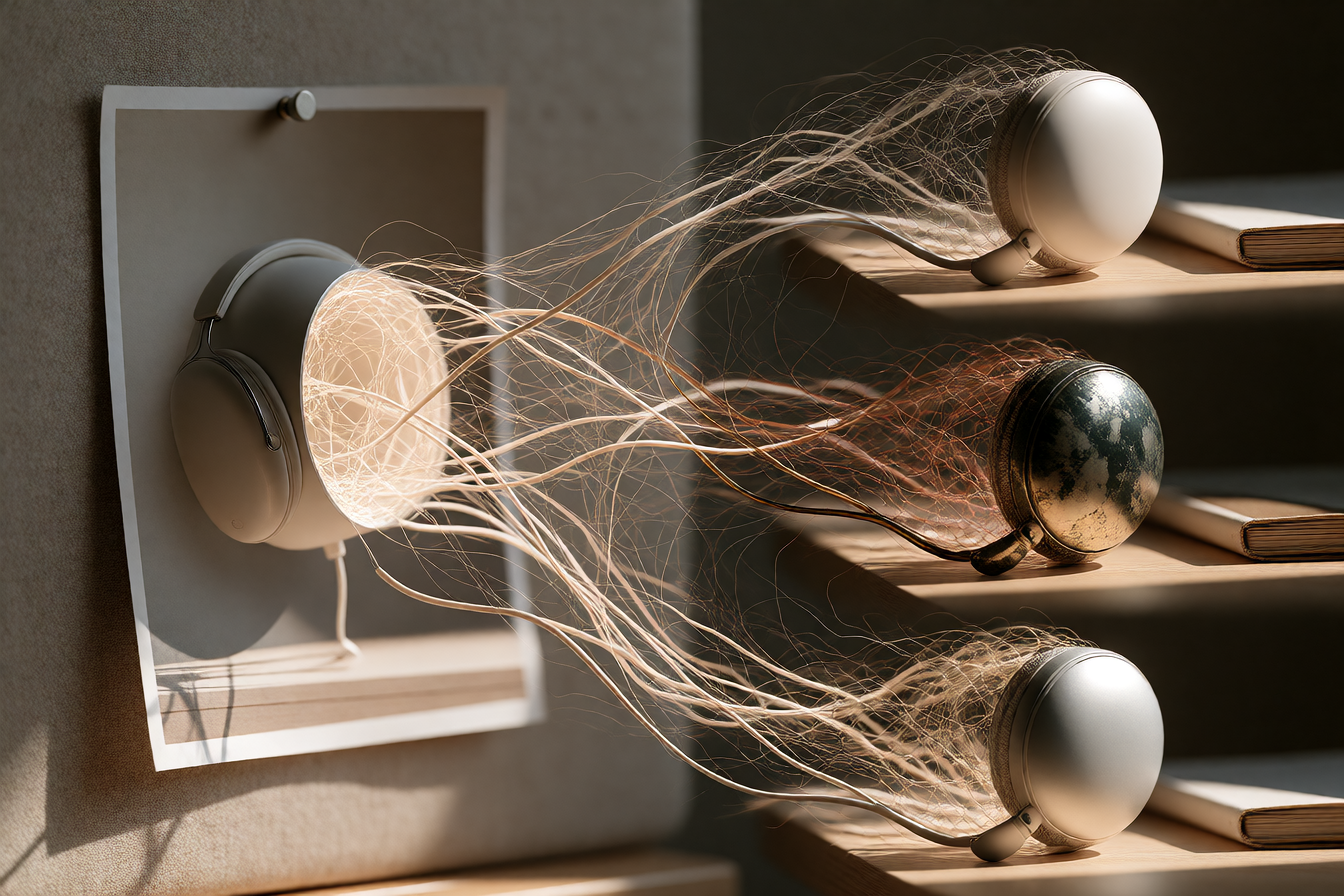
Krea 3 is built for the work nobody celebrates: the revision loop. You make one image, then you make it again—different background, different color, different crop, different material. E-commerce needs five colorways. Your founder wants it warmer. Legal wants the label readable.
Krea shipped Krea 3 on October 15 as an image editing model where edits take under 8 seconds at native 2K, and the speed changes the workflow. When a top-quality edit comes back fast enough to try the next idea right away, the model stops being a step in the workflow and becomes the workflow.
What people are making with it
E-commerce teams turn a snapshot into a studio packshot or generate colorways, marketing teams localize a poster into another language or extend one ad into a series, and architects test materials and light on a space before it is built. Pixelcut, a photo-editing app used by small businesses, has been testing Krea 3 with its own users for product photography, and Doodles also uses the model.
Video creators are using it differently. One workflow is generating target frames for video tools that support first-frame/last-frame conditioning—an edited frame like a waitress delivering a slice of pie in a diner scene, used as the last frame for video generation, which held up well and avoided common artifacts like water glasses disappearing between frames or pie slices rendering at absurd scale.
The consistency feature matters more than the speed. Krea 3 is the first editing model that can be fine-tuned with LoRAs on a specific product, person, or style, so a brand's packshot or a recurring character stays the same from one image to the next. That means you can train a LoRA on your brand's product or a character you're building, and every edit will hold the look.
What's actually good—and what isn't
Krea 3 leaves alone what you didn't ask it to touch. Change the setting around a product and the label stays sharp. Give it a face and an outfit, and the person in the next image is still the same person. In internal evaluations, FLUX 3 Image Klein ranks first in text-to-image, multi-reference generation and image editing, ahead of larger open weights models, and Krea claims similar quality at faster speeds.
It handled an outfit swap that other tools refused, and grain removal and skin texture cleanup work well. The bounding box controls let you decide where elements go, so you're not guessing where a new item will land.
One limitation: Krea 3 is weaker when asked to combine multiple distinct elements into a single complex, cinematic composite—GPT Image 2 produced a more dynamic composite than Krea 3, which tended to blend multiple elements together in a way that lost definition. If you need one perfect cinematic frame with ten things happening, this isn't it. If you need to change the background, color, or material on something that's already there, it's faster than most.
How to try it
Krea 3 is now available for everyone in beta. It costs $0.06 per image at 2K, or $0.03 at 1K. Krea 3 is available now on krea.ai, via the Krea API, and through distribution partners including fal, Hedra, Together AI, Nous Research, OpenRouter, Baseten, and Replicate. You upload an image (or up to six reference images), describe the edit, and get back a revised version in under 8 seconds. Day 0 support is already in Diffusers, SGLang, ComfyUI and Ostris AI Toolkit.
If you're building a ComfyUI graph or workflow, Krea 3 comes with 251 launch presets tailored for creative professionals across multiple fields like e-commerce, marketing, product design, interiors, and character work.