How to Make AI Pictures of Planets and Space Scenes
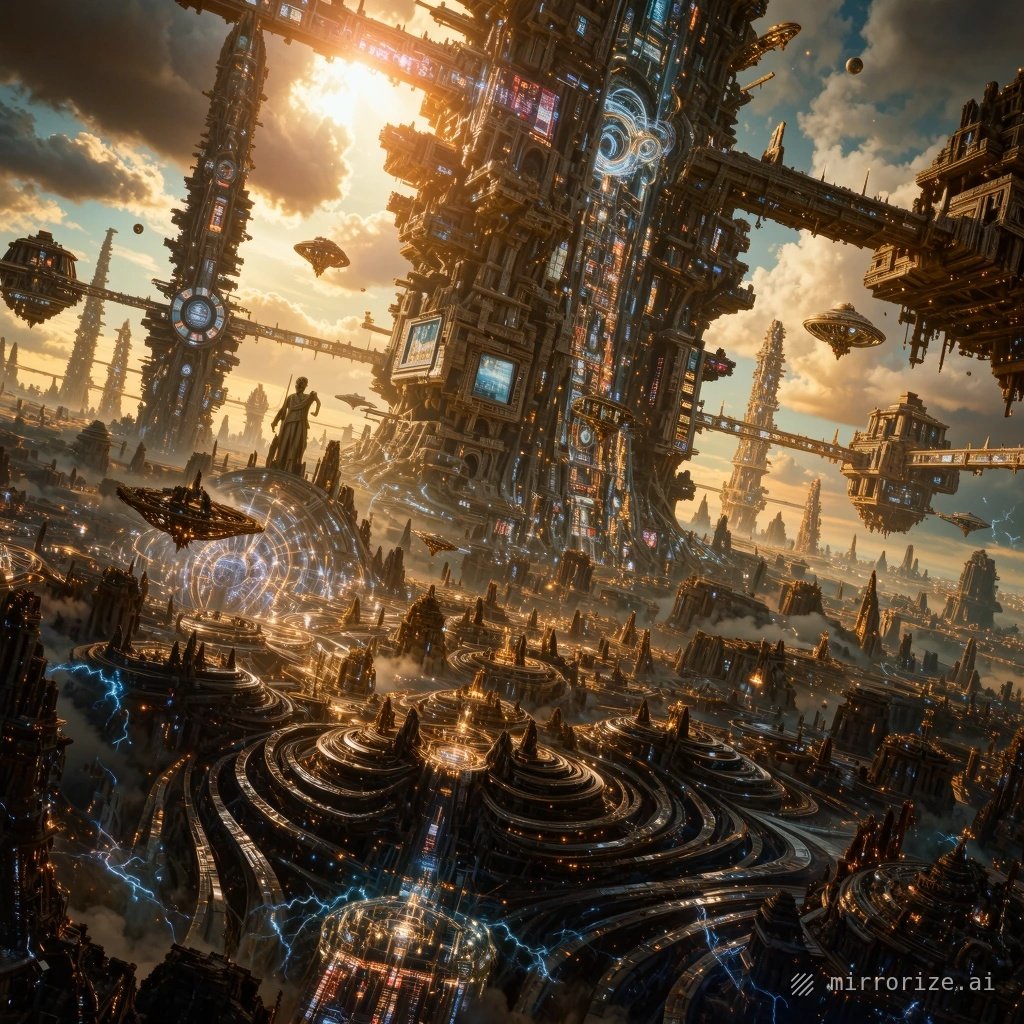
Why AI is Perfect for Creating Space Art
Space is one of those subjects that looks incredible but is practically impossible to photograph yourself—unless you're an astronaut with a really good camera. That's exactly why AI image generators have become so popular for creating planetary scenes, nebulas, and cosmic landscapes.
The best part? You don't need to understand astrophysics or own expensive equipment. You just need the right tool and a clear idea of what you want to create.
Best Tools for Generating Space Images
Not all AI image generators handle space scenes equally well. Some excel at photorealistic planets, while others are better for artistic nebula compositions.
Mirrorize AI is particularly strong here because it combines multiple image generation models in one place. You can use FLUX 1.1 Pro for ultra-realistic planetary surfaces, or switch to other models for more stylized cosmic art—all without switching platforms.
Other solid options include:
- Midjourney — excellent for artistic space scenes with dramatic lighting
- DALL·E 3 — good at understanding complex descriptions of planetary systems
- Stable Diffusion (through various platforms) — versatile but requires more specific descriptions
The key difference: Mirrorize AI lets you test different approaches quickly. Generate a Saturn-like planet with one model, then try the same description with another to see which gives you the look you want.
Writing Descriptions That Actually Work
Here's where most people struggle. Typing "cool space planet" won't get you far. AI image generators respond much better to specific visual details.
For Realistic Planets
Think about what makes each planet visually distinct:
Gas giants need descriptions like:
- "massive Jupiter-like planet with swirling orange and white storm bands"
- "Saturn with bright icy rings casting shadows on its surface"
- "pale blue Neptune with dark storm spots in its atmosphere"
Rocky planets work better with texture details:
- "Mars-like desert planet with rusty red canyons and polar ice caps"
- "cratered grey moon with sharp shadows in harsh sunlight"
- "volcanic planet with glowing lava rivers and ash clouds"
For Artistic Space Scenes
When you're going for beauty over accuracy:
- Mention specific colors: "purple and teal nebula" beats "colorful nebula"
- Include light sources: "backlit by a dying star" or "illuminated by twin suns"
- Add atmospheric elements: "cosmic dust clouds" or "glowing gas pillars"
- Specify the view: "looking up from a moon's surface" vs "distant view from space"
Common Mistakes to Avoid
Being too vague — "beautiful space scene" could mean anything. The generator will guess, and you probably won't like its guess.
Mixing too many elements — asking for "planet with rings and three moons and a nebula and stars and asteroids" usually creates a cluttered mess. Pick one or two focal points.
Ignoring lighting — space is all about dramatic light and shadow. Mention where light is coming from: "planet lit by a nearby sun" or "dark side with city lights visible."
Forgetting scale — specify whether you want a "close-up of a planet's surface" or a "distant view of multiple planets." The AI needs to know what perspective you're after.
Advanced Techniques for Better Results
Once you've got basic planet generation working, these approaches take it further:
Start with reference styles — instead of describing everything from scratch, mention existing space imagery: "in the style of Hubble telescope photos" or "like Cassini mission images of Saturn." The AI knows these visual styles.
Layer your descriptions — describe the main subject first, then the background: "Rocky moon with impact craters in the foreground, massive ringed planet rising over the horizon in the background."
Use lighting keywords that work — terms like "rim lighting," "backlit," "golden hour sunlight," and "hard shadows" are understood by most image generators and dramatically improve results.
Generate multiple versions — on Mirrorize AI, you can quickly create several variations of the same description with different models or settings. One might nail the atmosphere while another gets the planet details perfect—then you know which direction to push further.
Making Your Space Art Move
Still images are great, but animated space scenes take it to another level. Think rotating planets, drifting nebulas, or camera moves through asteroid fields.
Mirrorize AI's video features (powered by PixVerse v6) handle this surprisingly well. The trick is starting with a strong still image, then using the video generator to add subtle motion—a slow planetary rotation or gentle nebula drift works better than complex movements.
For best results: keep camera movement minimal, focus on one type of motion (either the object moves OR the camera moves, not both), and keep videos short (5-10 seconds typically looks better than longer clips).
Practical Applications
Beyond just making cool wallpapers (though that's valid), AI-generated space art has real uses:
- Concept art for sci-fi projects — authors and game developers use it for planetary design references
- Educational content — teachers and science communicators use it to visualize astronomical concepts
- Social media content — space imagery consistently performs well
- Creative backgrounds — for presentations, YouTube thumbnails, or graphic design projects
The advantage over stock photos: you can create exactly the planet or space scene you need, not settle for whatever already exists.
Getting Started Today
Pick one specific thing to create. Not "space art" but "a Mars-like planet with two small moons visible in the sky."
Head to an AI image generator (Mirrorize AI works great for this), write a detailed description including colors, lighting, and perspective, and generate a few versions. Look at what works and what doesn't, then refine your description based on those results.
Space scenes are actually one of the easier subjects for AI generators because there's so much reference imagery in their training data. The challenge isn't getting something that looks like space—it's getting something that looks like your vision of space. That comes from being specific about what you want to see.