Meet the Layer Family: Layerframe, Layerglow, Layerreal and Layerpro
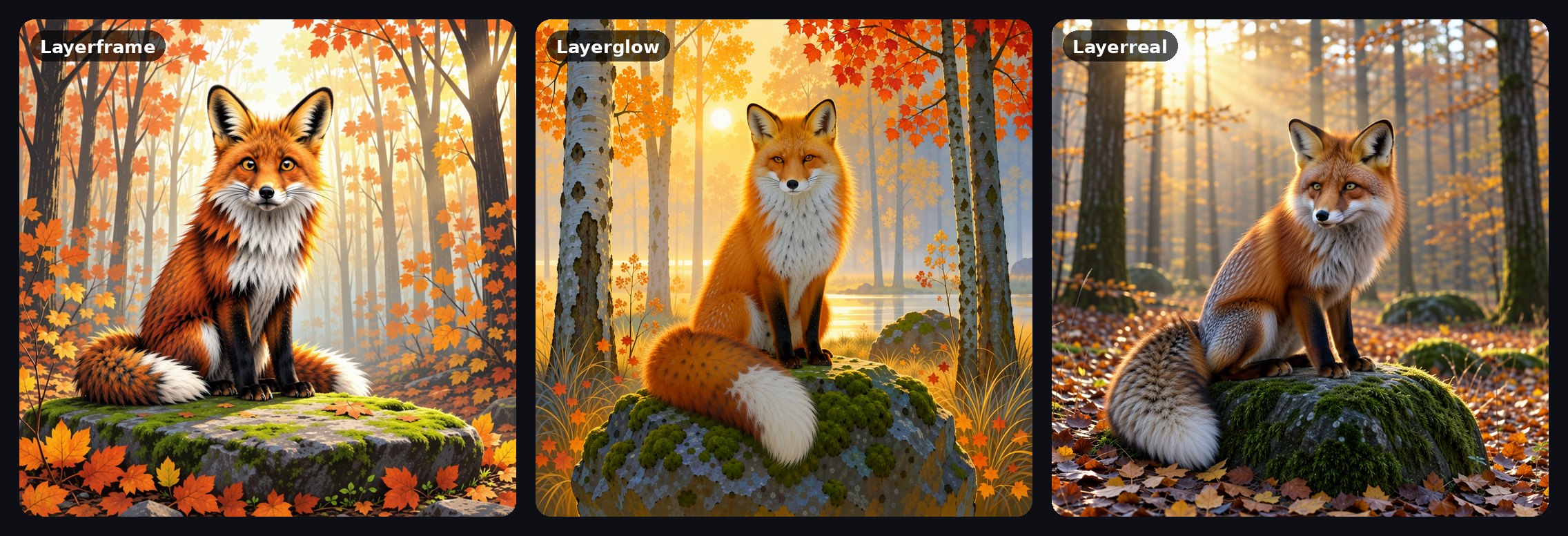
Four new image models just landed in Studio, and they come as a family. Layerframe, Layerglow and Layerreal share one foundation and split into three looks: bright cartoon illustration, glowing painterly color, and photos that feel like real snapshots. Layerpro is the family's Pro model, and it's free for Pro members.
Layerframe, Layerglow and Layerreal cost 2 credits an image on every plan, and all of them are quick. Layerframe usually finishes in about five seconds, the others in about ten.

Layerframe: cartoon illustration
Clean outlines, flat confident color and a lot of small detail. Layerframe is the one to pick for storybook scenes, characters, cozy places and anything that should look drawn. It's also the fastest of the three.

Layerglow: painterly light
Layerglow paints. Light sources bloom, colors run rich and saturated, and night scenes come alive. Reach for it when the mood matters most: dreamy landscapes, lanterns, stars and anything lit from within.

Layerreal: real-life snapshots
Layerreal goes the other way. It aims for natural photos that look like someone was there with a camera: real faces, everyday light, candid moments, nothing too polished.
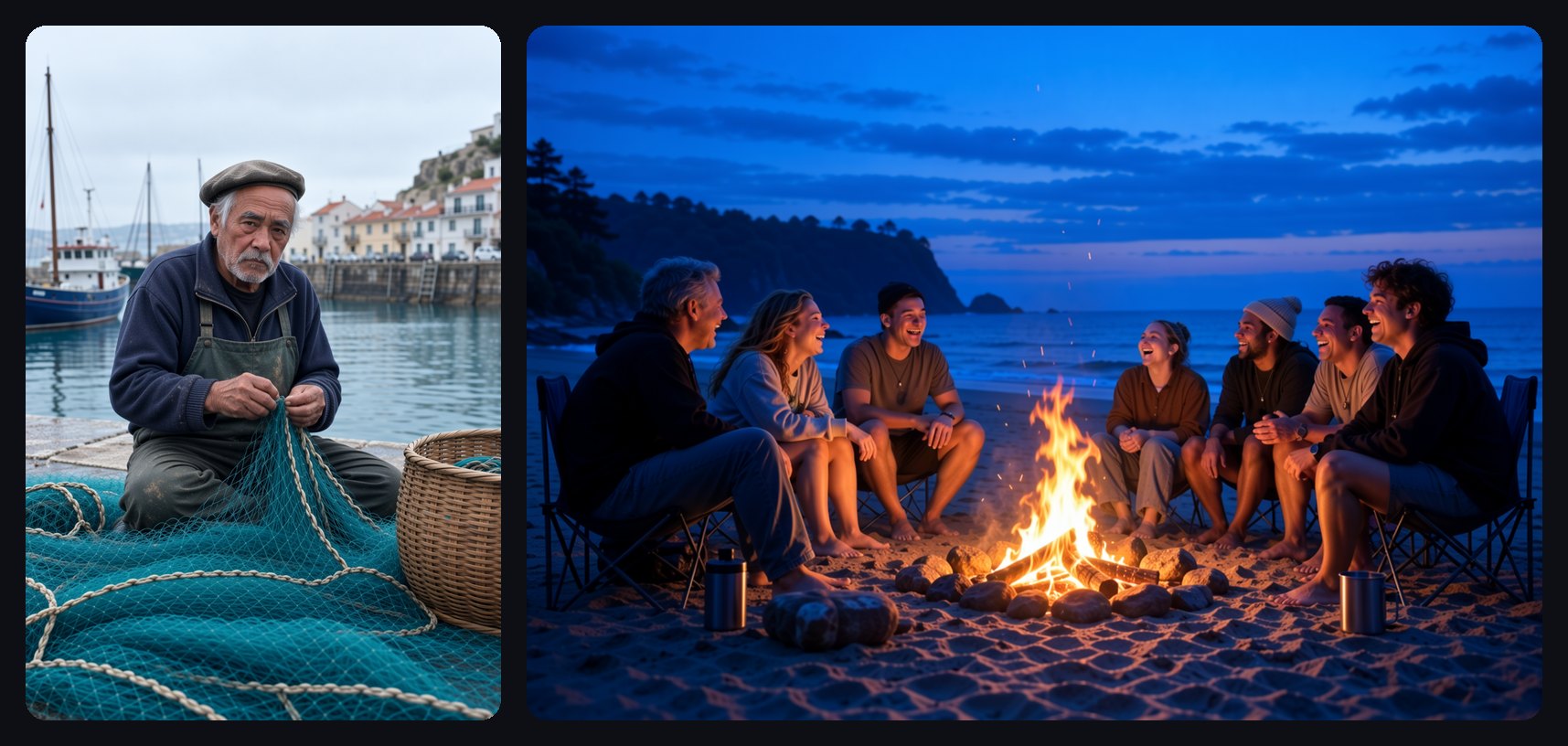
Layerpro: free for Pro
Layerpro is the most detailed member of the family. It spends a little longer on each image to bring out true-to-life skin, fabric, weather and light, and it handles portraits especially well.
It's available to Pro members only, and for them it's free: make as many images as you like without spending a single credit.
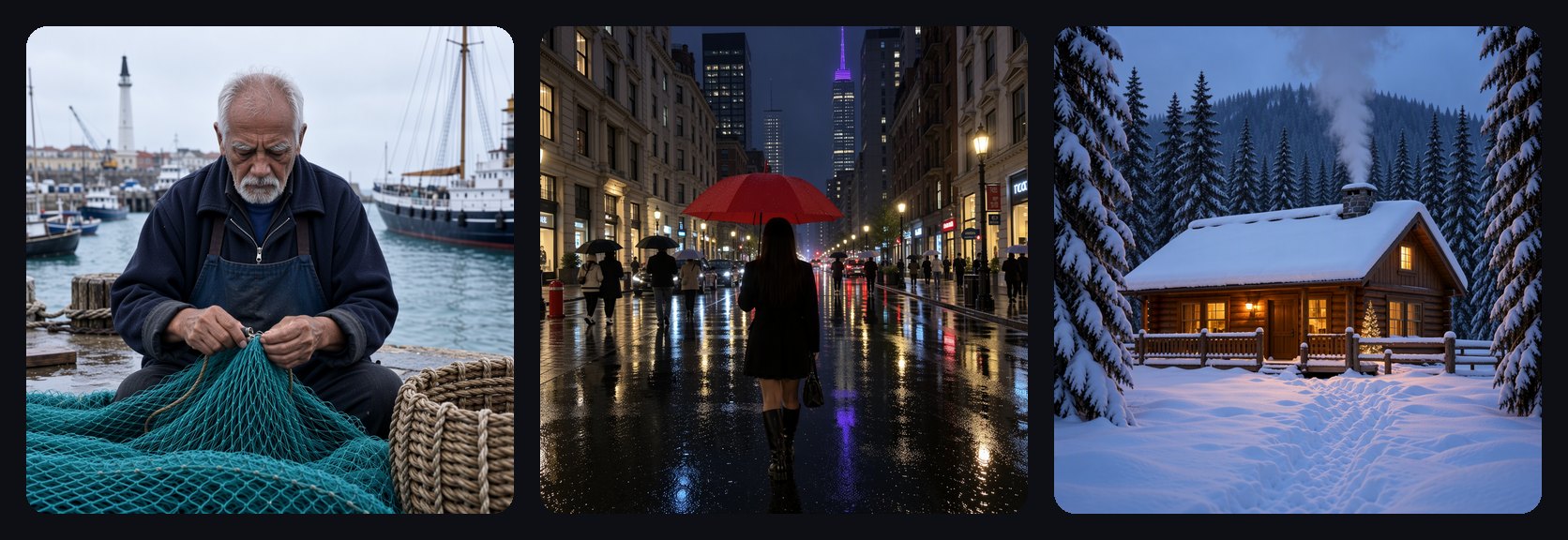
Same prompt, three takes
Because the three share a foundation, they read a prompt the same way and keep the same scene. Only the look changes. That makes it easy to find the right one: write your prompt once, then switch models and run it again.

How to use them
- Open Studio and tap the model chip in the prompt bar.
- Find Layerframe, Layerglow, Layerreal or Layerpro. They sit side by side in the list. Tap Free with Pro at the top to see every model Pro members can use without credits, Layerpro included.
- Describe your scene and press Imagine.
A few tips:
- Describe the scene, not the style. Each model already brings its own look, so plain words work best: who, where, what time of day.
- Light words go a long way. Morning light, blue hour, lamp light and neon change the mood a lot, especially on Layerglow.
- Pick your shape first. Portrait and wide frames both work well; set them in the Shape tab before you run.
- Skip signs and lettering. Like most image models, these can scramble written words, so keep text out of the picture.
Layerframe, Layerglow and Layerreal cost 2 credits on every plan, and Layerpro is free for Pro. Try one prompt on each and see which family member fits your idea.