Mirrorize AI Coming to iPhone: Release Date & Features
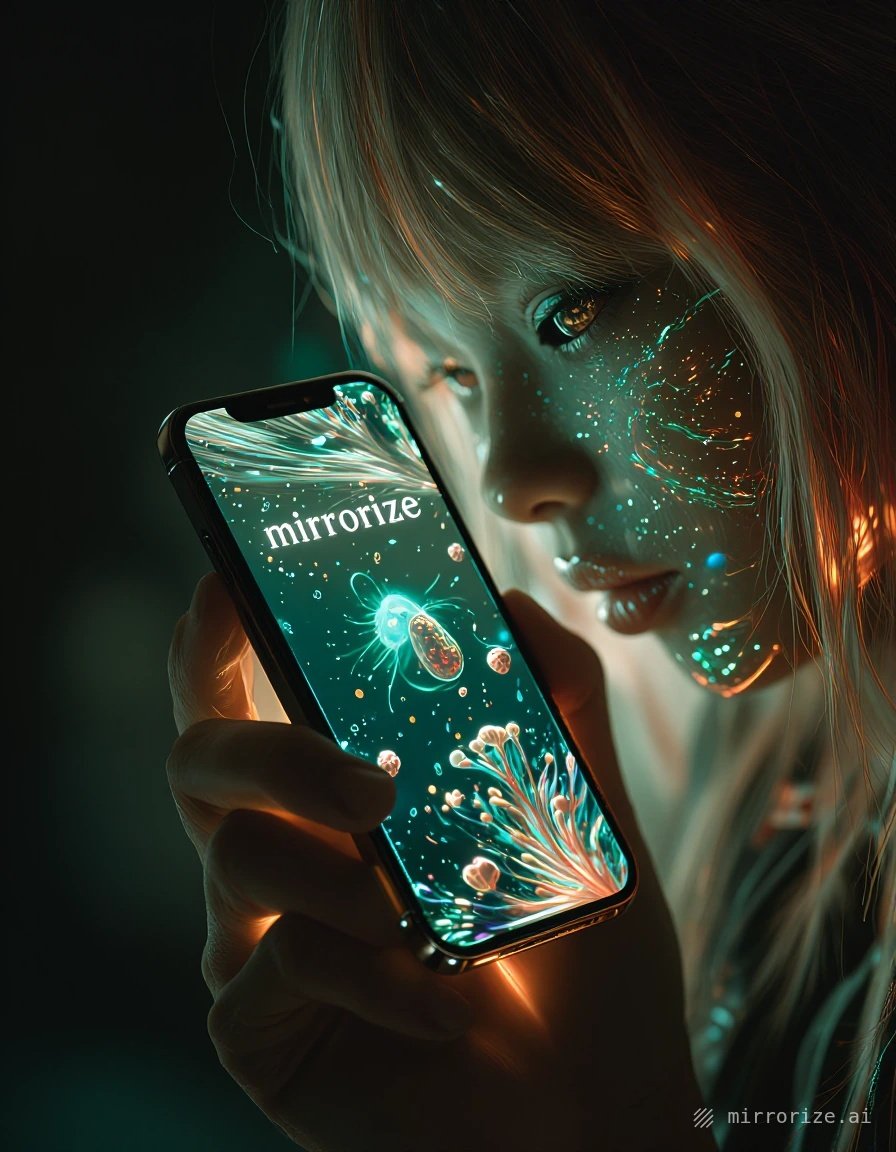
The AI image and video generator that's been making waves on web browsers is finally coming to your pocket. Mirrorize.ai is launching an iPhone app, and while the official release date hasn't been announced, enough details have surfaced to get a clear picture of what's coming.
What the iPhone App Will Include
Based on early previews and platform updates, the Mirrorize iPhone app will bring the core experience mobile — you'll be able to generate AI images and videos directly from your phone without opening a browser.
Confirmed features:
- Full access to Mirrorize's 50+ image generators, including favorites like Proximity, Stellar, and the entire MV4 lineup
- The complete styles library with all 100+ options across 9 categories
- Style stacking — pick up to 3 styles per generation, just like on desktop
- Video generation with PixVerse v6 and MVG engines
- Your full gallery synced across devices
- The social feed (Mindstream) for browsing community creations
- Qi Chat, the built-in AI assistant for prompt help
The app won't be a stripped-down version — you'll get the same generators, the same quality, and the same credit system. Your Pro subscription and purchased credits carry over automatically since everything syncs to your Mirrorize account.
Mobile-First Features We're Expecting
What makes an iPhone app different from just using the website? Early indications suggest a few mobile-optimized additions:
Camera integration seems likely. The ability to snap a photo and immediately animate it or use it as a reference for image generation would make sense for mobile. Currently, image-to-video requires uploading from your camera roll — direct camera access would streamline that.
Notifications are almost certain. Getting alerts when your video finishes rendering (especially the longer 15-second PixVerse generations) would be more useful than checking back manually.
Offline gallery access hasn't been confirmed, but downloading your favorite generations for offline viewing would align with how most creative apps work on mobile.
The interface will likely emphasize swipe gestures and vertical scrolling — natural for phone use — rather than the desktop's multi-column layout.
How Video Generation Will Work on Mobile
This is where things get interesting. Video generation is processor-intensive, and phones have limited power compared to desktops. But since Mirrorize processes everything in the cloud, your iPhone is just sending instructions and receiving the finished video.
PixVerse v6 will handle the same way it does on web — choose your duration (5, 10, or 15 seconds), toggle audio if you want it, add multi-clip support for longer sequences, and wait for processing. Credit costs stay the same: 15 glass for 5 seconds, 25 for 10 seconds, 40 for 15 seconds.
MVG (the budget video engine) offers a faster, cheaper option at 25/40/60 credits for 6/10/15 seconds. On mobile, this might become more popular since you're likely generating on-the-go and want quick results.
The "Animate" button — which lets you click any gallery image and automatically load it into the video tab — will probably be even more useful on mobile. Swipe through your gallery, tap animate, pick settings, generate. No fumbling with file uploads.
Will It Cost Money to Download?
The app itself will be free to download. Mirrorize operates on the same credit system across all platforms:
- Free users get limited generations with small credit costs for most tools
- Pro subscription ($9.99/month) includes unlimited access to MV, Illustration, and Anime generators plus 400 credits monthly for commercial generators and video
- Commercial generators and video always cost credits, regardless of subscription
Your existing Pro subscription or purchased credits work immediately in the app — no separate "mobile subscription" or in-app purchase required. That said, Apple's App Store policies might eventually require in-app credit purchases to go through their system (with the standard 30% cut), which could make buying credits through the website more cost-effective.
When Can You Actually Download It?
No official launch date yet. The development team has confirmed it's in testing, but haven't committed to a timeline. Based on typical app review processes and the scale of features being implemented, a Q2 2025 release seems realistic — but that's speculation, not confirmation.
Early access or beta testing hasn't been announced publicly. If you want to be among the first to know, your best bet is following Mirrorize's social accounts or checking the news section in the platform's Explore tab.
Android Version?
Not announced yet. iPhone is launching first, which is standard for many creative apps — iOS's consistent hardware makes optimization easier. An Android version would logically follow if the iPhone app succeeds, but there's no official word on timing.
What This Means for Mobile AI Generation
Most AI image tools still work better on desktop because they require detailed prompts, multiple setting adjustments, and lots of back-and-forth iteration. Mirrorize's styles system changes that equation — instead of writing "cinematic lighting, shallow depth of field, golden hour, film grain," you just stack Cinematic + Golden Hour + Film Grain from the styles menu.
That simplification makes mobile generation actually practical. You can create high-quality images without typing paragraphs on a tiny keyboard.
The video piece is even more significant. Animating photos is a natural mobile use case — take a picture of something interesting, animate it immediately, share it. PixVerse v6's quality rivals desktop video tools, and doing that from your phone puts powerful creative options in your pocket.
If you want to test Mirrorize before the iPhone app drops, the web version works on mobile browsers — just head to mirrorize.ai and log in. It's not as smooth as a native app will be, but you'll get a feel for how the generators work and can start building your gallery before the official launch.