MOSS-Image: Text That Reads, Layout Control That Works, Running Locally
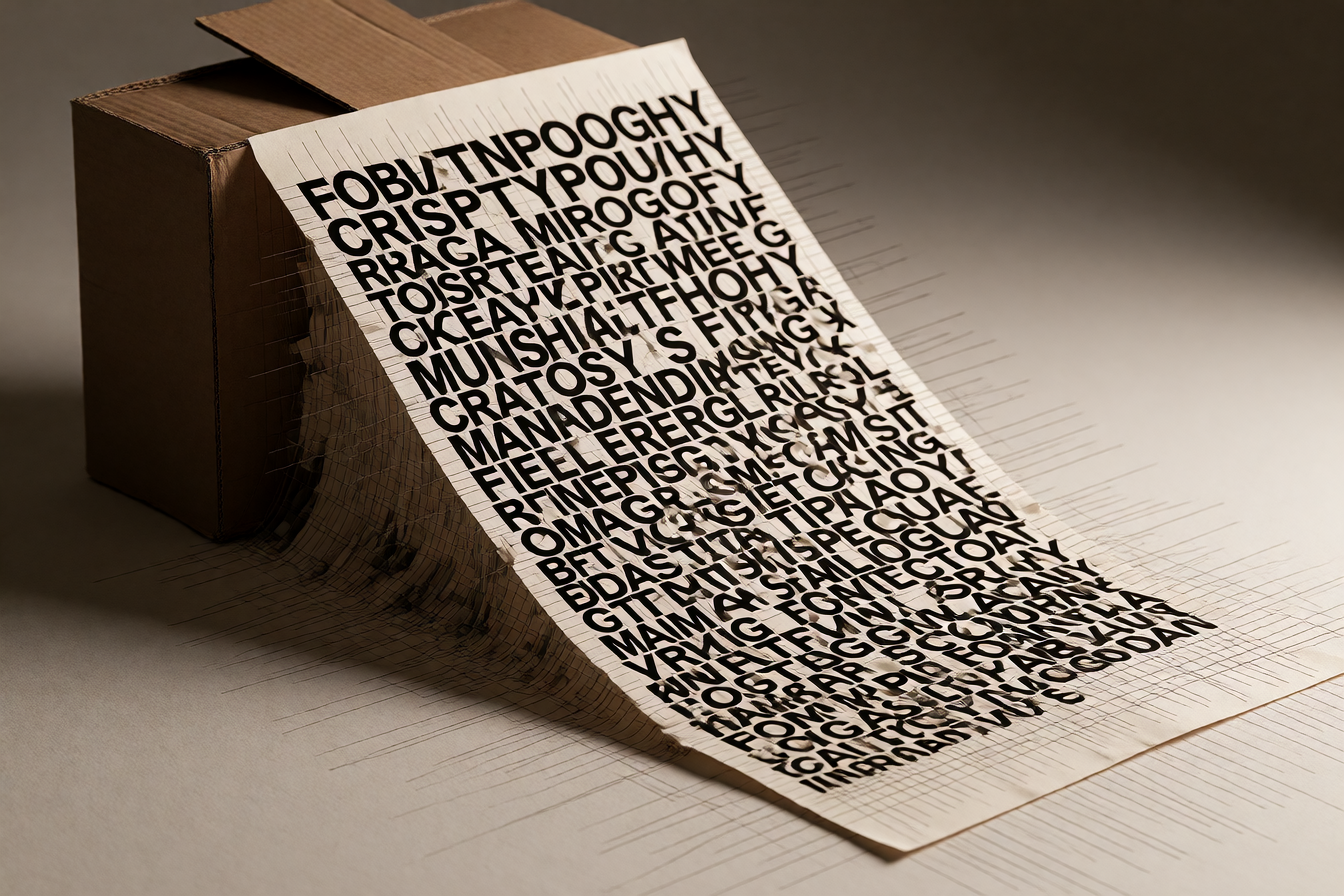
Open-weight image models have a long list of weaknesses, but two show up in every creator's workflow: text that looks like it was sneezed out mid-word, and no way to say "the headline goes here, not there." MOSS-Image, announced on October 16, 2026, addresses a practical challenge in AI image generation: creating images in which text and visual elements appear in the intended places, rather than relying only on a broad descriptive prompt.
What It Actually Does
MOSS-Image is OpenMOSS's open-weights text-to-image model: a 5B single-stream DiT that turns a full scene caption into one finished image. It is strongest where text and placement matter, because it renders English and Chinese typography, accepts prompts of up to about 4K tokens, and can read a JSON layout that says where each object and each line of text belongs. Weights ship under Apache 2.0, so you download once and run on your own GPU with no API key and no per-image credits.
The text rendering gets the headlines. On LLTB, MOSS-Image achieves state-of-the-art performance among open-weight models with a Mean-6 score of 96.3, surpassing Qwen Image 2512 (64.9) by 31.4 percentage points. But the layout control is what changes how you actually work: The layout control mechanism is implemented through a structured JSON input format that allows users to specify the spatial arrangement of visual elements within the generated image. A layout specification consists of a summary object containing a caption that describes the overall scene, and an items array where each element defines a visual component with a label identifying the element type, a caption providing a natural-language description, an optional text field containing the literal text to be rendered, and a bounding box specified as coordinates in the yxyx format with an absolute centralized coordinate space where the origin is at the center of the canvas.
What People Are Making With It
Event posters with deep indigo and neon magenta accents, a large bold white sans-serif headline reads exactly: CITY LIGHTS FESTIVAL, directly under the headline, medium weight text reads exactly: OCT 25 2026 · 7PM, near the bottom, a smaller line reads exactly: RIVERSIDE AMPHITHEATER · FREE ENTRY, with soft city skyline silhouette and abstract light streaks behind the type, generous margins, high contrast, print-ready poster layout. Chinese restaurant menu boards with a vertical layout, warm cream paper texture with thin dark-green border, title at the top in large clear Chinese characters, below a clean two-column list of dish names and prices in readable Chinese, each on its own line.
Beyond that, creators in the community are building storyboard tools and game concept art workflows in ComfyUI. MOSS-Image has day-0 support in SGLang, vLLM-Omni, and ComfyUI. Community projects include MOSS-Image-SFT-8-steps-dmd, a community 8-step DMD distillation of MOSS-Image-SFT, with LoRA adapters for ComfyUI. KohakuMossTrainer has been released, offering full fine-tuning and LyCORIS training (including LoRA) for MOSS-Image-Base and MOSS-Image-SFT.
What's Good and What Isn't
MOSS-Image is an unusually useful open image model for posters, illustrated information cards and scenes that need explicit composition. Its strongest proposition is the combination of long prompts, text rendering and native JSON layout. The Apache 2.0 license is the real differentiator versus models like Qwen Image or Flux, which carry non-commercial or community license restrictions that limit commercial use.
But it's not a universal image model. Tag support does not establish complete Danbooru coverage. Users in the AMA report weak artist-name response; a Japanese hands-on article found anime consistency sensitive to style wording. Backgrounds and separated subjects can be promising without making MOSS-Image a universal replacement for Anima. Hands, small faces, negation and repeated attributes still deserve close inspection.
The real constraint: It is designed with strong text rendering and layout control in mind, making it a promising option for diagrams, posters, signs, and infographic-style drafts. However, critical copy should still be verified and often added as editable text in a final design tool.
How to Try It
The MOSS-Image series is now available on the MOSI API Platform. Try it in the Playground or integrate it through the API. Weights are on Hugging Face and ModelScope. ComfyUI support was merged on October 16 through pull request 17095, and ComfyUI Wiki describes a new Layout Prompt node that converts boxes drawn with the Create Bounding Boxes node into the model's layout JSON. Start with the SFT checkpoint if you want to generate immediately; the Base checkpoint is better for fine-tuning.
For developers: The MOSS-Image Prompt Enhancer turns image ideas into detailed captions or spatial Layout prompts. Install the skill folder in your agent's skills directory, then invoke $moss-image-prompt-enhancer with your image idea, desired caption or Layout output, and any canvas dimensions. Paste the compiled result into MOSS-Image's positive prompt; for Layout, use the same generation dimensions.