PixVerse v6 Review: Best Free AI Video Generator Right Now
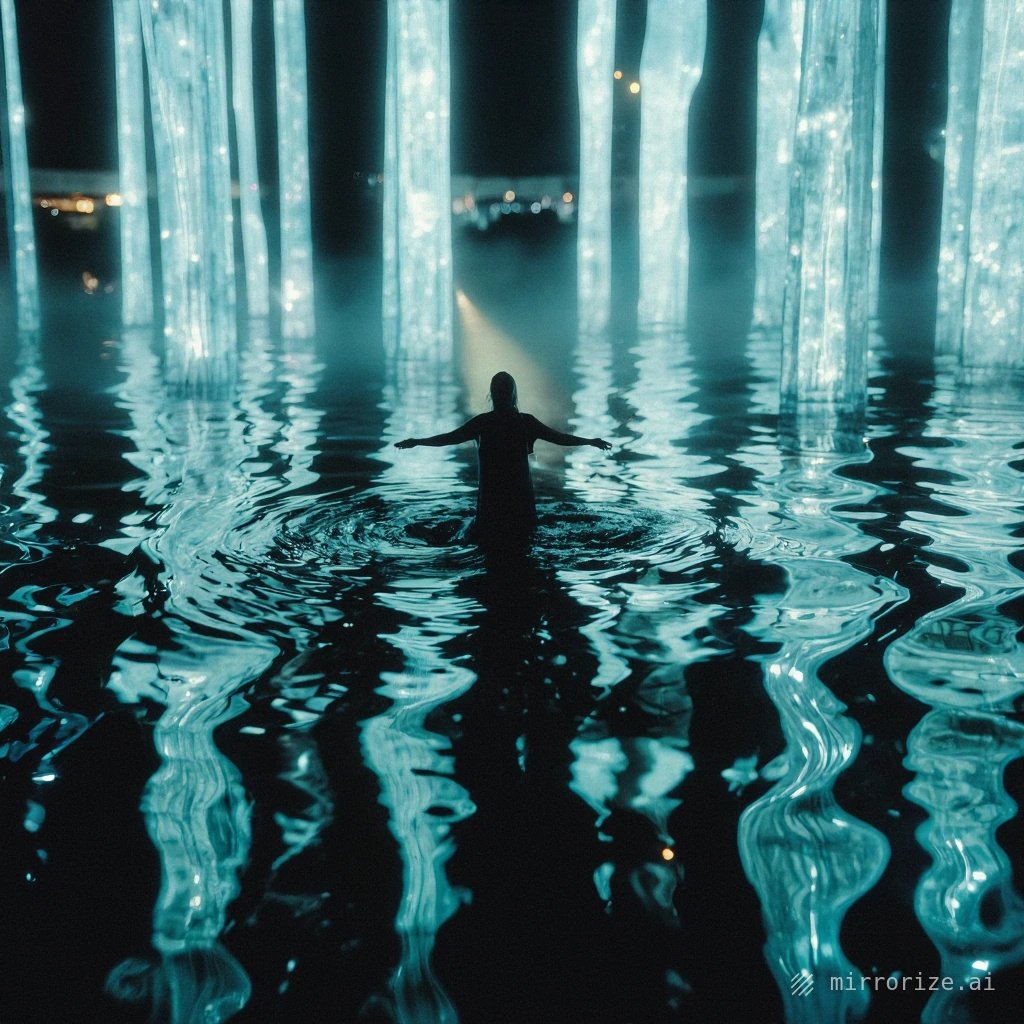
PixVerse v6 Just Changed AI Video Generation (And It's Free to Try)
If you've tried making AI videos before, you know the frustration. Weird morphing hands. Characters that drift between scenes. Motion that looks more like melting wax than actual movement. PixVerse v6 just fixed most of that.
Released in early 2025, this update represents a genuine leap in what free and accessible AI video tools can do. I've been testing it alongside the usual suspects — and honestly, I'm impressed enough to make it my default for quick video generation.
What Makes PixVerse v6 Different
The core improvement is motion consistency. Previous versions (and most competitors) struggle when you ask for complex camera movements or detailed character actions. v6 handles these scenarios with surprising grace.
Here's what actually works now:
- Camera moves that don't break the scene — pans, zooms, and rotations that maintain subject integrity
- Better prompt understanding — it actually interprets "slow dolly zoom on the subject's face" correctly
- Longer coherent clips — up to 5 seconds of usable footage without obvious glitches
- Improved text rendering — still not perfect, but readable text in scenes is finally possible
The difference shows up immediately in results. Where other tools give you dream-like abstraction (sometimes beautiful, often unusable), PixVerse v6 delivers footage you can actually edit into a project.
Real-World Performance: What I Actually Made
I tested v6 with three practical scenarios creators actually need:
Product visualization: Generated a 4-second clip of a coffee cup on a wooden table with morning light streaming through a window. The lighting stayed consistent. The cup didn't morph. The steam animation was surprisingly natural. This is footage I could use in a real commercial.
Character animation: Created a short sequence of a cartoon character waving. Previous AI video tools would have turned this into a nightmare of shifting proportions. v6 maintained the character's structure through the entire motion. Not Disney-quality, but absolutely usable for social media content.
Text-on-screen graphics: Made an animated title card with text that stayed readable and didn't melt into abstract shapes. This alone is huge — most AI video generators completely fail at text.
The key insight: PixVerse v6 is reliable enough for real projects, not just experiments.
How to Get the Best Results
AI video generation still requires some finesse. Here's what actually matters:
Be specific about motion: Instead of "car driving," write "red sedan driving slowly from left to right on empty highway, camera follows from side angle." The more precise your motion description, the better the output.
Describe lighting explicitly: "Soft afternoon sunlight from window on left" beats "good lighting" every time. v6 responds well to specific lighting direction.
Keep scenes simple at first: One main subject, one clear action, one camera movement. Master that before trying complex multi-element scenes.
Use reference images: v6 accepts image inputs to guide the style and composition. This dramatically improves consistency if you're making multiple related clips.
Generate multiple versions: The AI isn't deterministic. I typically generate 3-4 versions of each clip and pick the best. With v6's speed, this is perfectly practical.
Where PixVerse v6 Still Struggles
Let's be honest about limitations:
Human faces in motion remain challenging. Close-ups of people talking or expressing emotion often look slightly off. Good for wide shots, less reliable for intimate character work.
Physics isn't perfect. Water, cloth, and hair movement are improved but still sometimes defy natural laws.
Long-form coherence is limited. You're working in 4-5 second chunks. Creating a 30-second sequence requires stitching multiple generations together.
Fine detail at speed can blur. Fast camera movements or quick subject motion sometimes sacrifice sharpness.
These aren't dealbreakers — they're just the current edges of the technology. Work within these constraints and you'll get great results.
How It Compares to Other Tools
I've tested most of the accessible AI video platforms. Here's the honest breakdown:
PixVerse v6 vs. Runway Gen-3: Runway has slightly better motion quality in premium scenarios, but PixVerse is free to start and handles camera movement better in my tests. For most creators, PixVerse delivers better value.
PixVerse v6 vs. Pika: Pika excels at stylized, artistic videos. PixVerse is better for realistic, usable footage. Different tools for different needs.
PixVerse v6 vs. Kling AI: Kling produces longer clips (up to 10 seconds), but PixVerse has cleaner motion and better prompt adherence. I prefer PixVerse for precision work.
On Mirrorize AI, you'll find PixVerse v6 integrated alongside other cutting-edge video tools — it's become a go-to platform for creators who want access to multiple AI video generators without juggling subscriptions.
Who Should Actually Use This
PixVerse v6 makes sense for:
- Social media creators who need quick, eye-catching video content
- Marketers creating product demos or explainer content
- YouTube creators generating B-roll footage
- Designers prototyping video concepts before full production
- Anyone who wants to experiment with AI video without complex software
It's not replacing professional videography. But for rapid content creation, concept visualization, and creative experimentation, it's genuinely excellent.
The Bottom Line
PixVerse v6 represents the first AI video generator I'd confidently recommend to non-technical creators. It's fast enough for iteration, good enough for real use, and accessible enough that you can start generating today.
The technology is still evolving rapidly, but this version finally crosses the threshold from "impressive tech demo" to "practical creative tool." If you've been waiting for AI video generation to become actually useful, this is your moment to start experimenting.
Try it on mirrorize.ai — it's free to start, and you'll have your first video generated in under a minute. The results might just change how you think about creating video content.