Replace Your Character, Keep Everything Else: MiniMax H3 Workflows That Work
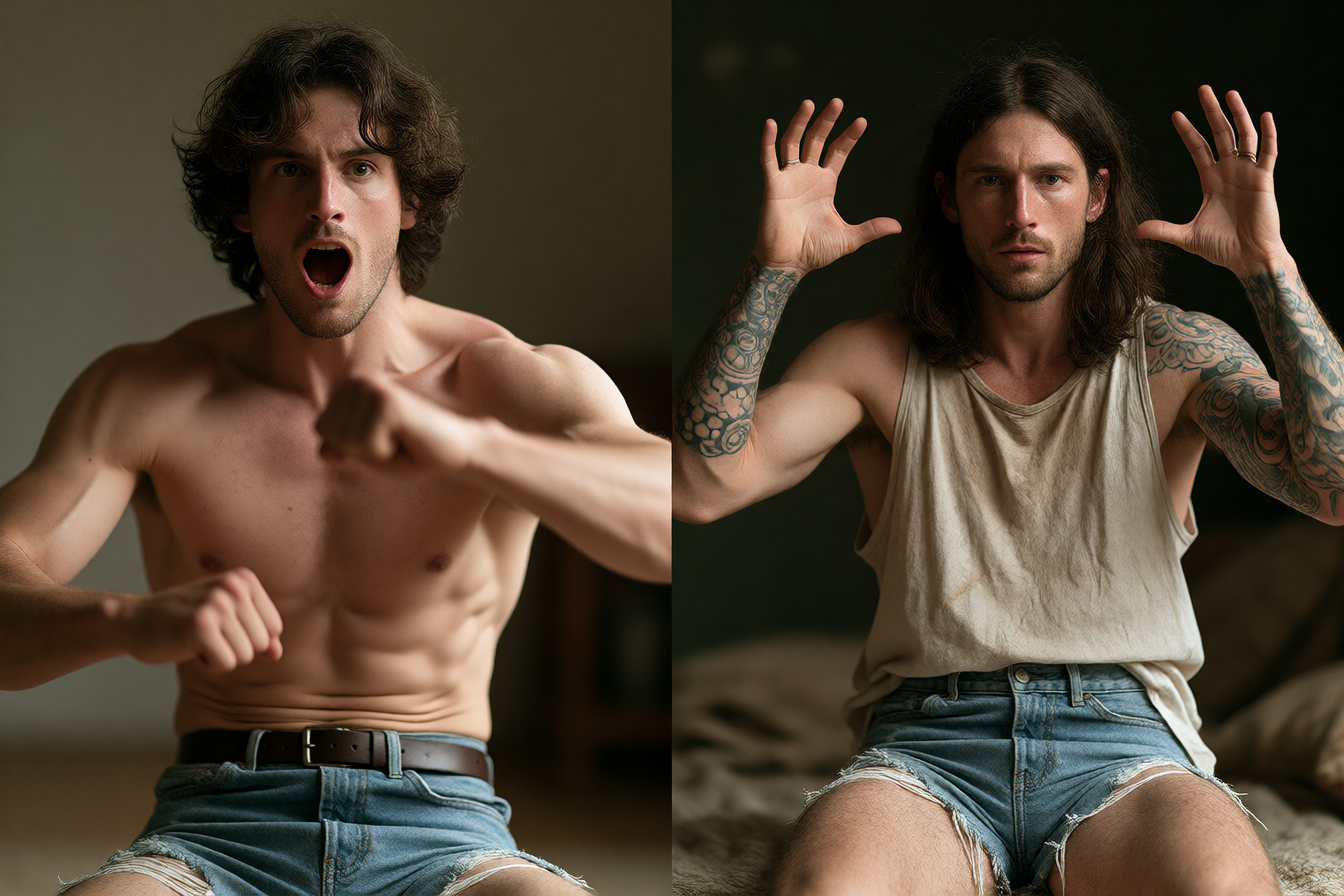
When you have a finished video—the timing is perfect, the camera work is locked, the lighting is right—but you need a different character in the shot, you have one real option now. MiniMax H3's character replacement workflow preserves every frame of the original performance while swapping the actor. The character gets a new face, new clothes, new body, but inherits the movement, pose, timing, and camera behavior from the take you already shot.
How creators are building this
MiniMax launched H3 on 31 July 2026 as a general-purpose multimodal generation model that makes video with native stereo sound, up to 15 seconds at 2K, and lists native multi-shot capabilities. MiniMax H3 can support broader image generation and editing in which the face, hairstyle, clothing, colors, silhouette, and body identity change while the original movement and cinematography remain.
The workflow comes in three flavors. MiniMax H3 Recast in Fuser swaps up to four people in a 5-30 second clip for your reference photos, keeping the motion, camera, cuts and original sound. For ComfyUI builders, creators built ComfyUI workflows that swap any character in your video using MiniMax H3, the open-source AI video model by Hailuo AI. And MiniMax H3 video to video can support authorized game-character promos, mascot videos, storyboards, and campaign previews.
What's actually working
To replace a character in video with MiniMax H3 without identity drift, use the reference image as the identity source and the source video as the performance source, which helps H3 preserve the new character's face and appearance while keeping the original motion, timing, pose, and camera behavior.
The key: structure your reference. Video 1 is a vertical action clip; Image 1 is a composite reference showing a new character from the front, back, and close-up. Don't just throw three separate photos at it. Start with one clear replacement; for multiple people, check the photo order and clarify who replaces whom when needed.
Your prompt matters less than the references. The prompt is optional; for a straightforward replacement, you do not need to describe the entire scene again. A simple goal works: "In Video 1, replace the original performer with the character shown in Image 1".
What trips creators up
While MiniMax H3 Reference-to-Video delivers strong character consistency, it does have a few limitations. Watch the source once before thinking about the replacement; heavy blur, tiny faces, and long occlusions make both generation and review harder. If your original clip has someone walking behind a pole for half a second, that occlusion makes the swap harder to track through.
Identity drift happens when the character drifts between takes. Correct placement in the opening frame does not establish consistency throughout the video—the model has to hold the character constant from frame one to frame 300. This is where ComfyUI builders add LoRAs or reference masking to lock it down.
Where to start
If you want the fastest path: Recast runs on H3 Max, a post-trained variant of MiniMax H3. Give it a 5 to 30 second clip with no single shot longer than 15 seconds, plus one photo per new person, up to four. Upload, add your reference photo, done. MiniMax's Recast tool handles it.
For ComfyUI: RunComfy hosts a character replacement workflow. Next Diffusion has step-by-step setup. If you're on WeShop AI, their H3 guide walks through the archer example.
The take-home: if your shot is locked and your performance is perfect, you can now swap who's in it without a reshoot. The motion stays. The camera stays. Just the actor changes.