Using Color Theory For Better AI Images
Why Use Color Theory When Making Your AI Image?
Most AI image prompts describe what's in the scene but say nothing about color. The result? The model guesses and you get what you get with random palettes. Color theory fixes that. By borrowing a few rules from the color wheel, you can make images that feel intentional, cinematic, and cohesive without changing the subject at all.
What Is A Color Wheel?
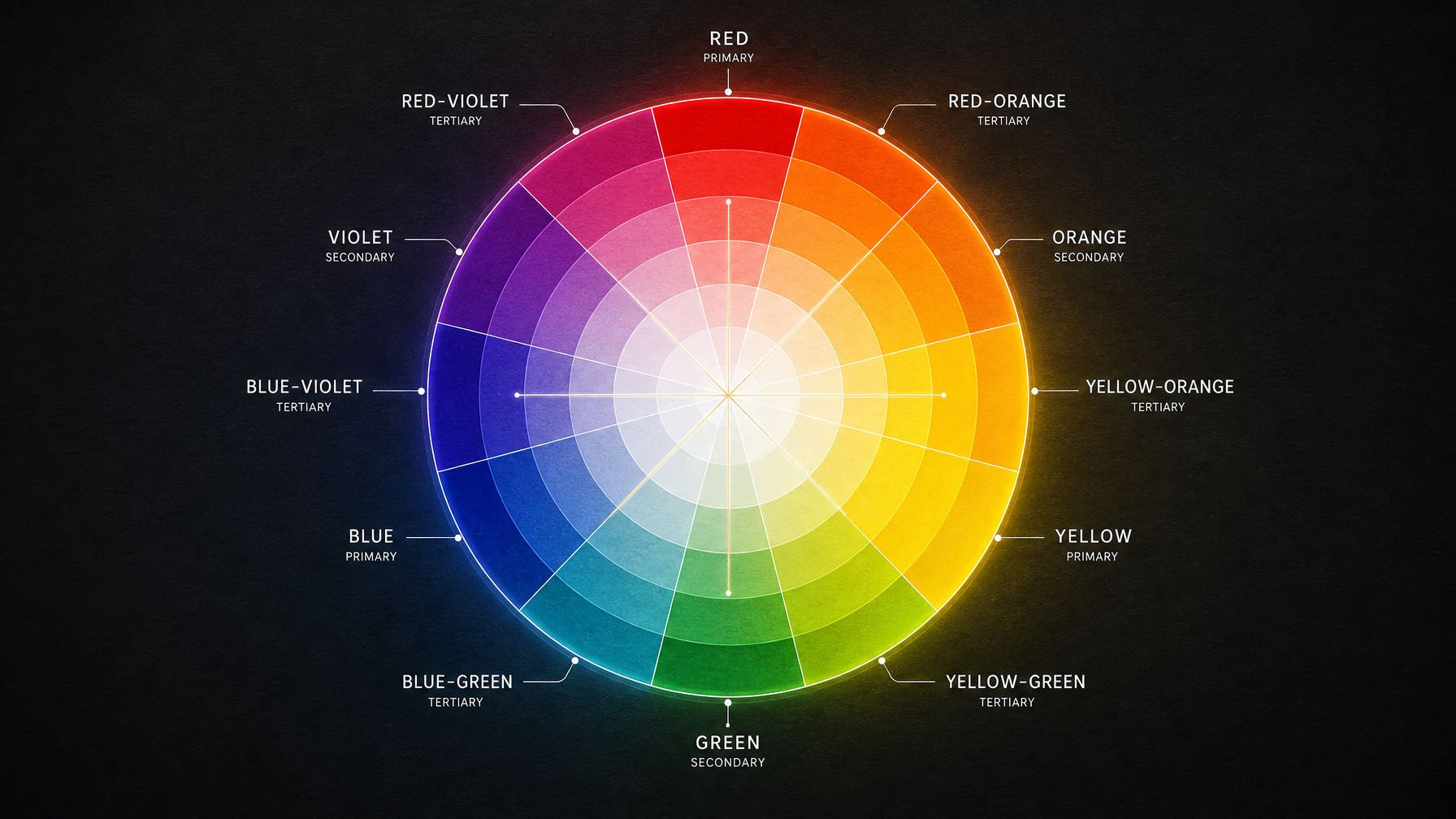
The color wheel arranges hues in a circle. A few relationships matter most:
Complementary — colors opposite each other (orange/teal, red/green). Maximum contrast and pop.
Analogous — colors next to each other (gold, amber, rust). Harmonious and calm.
Triadic — three colors evenly spaced (red, yellow, blue). Vibrant but balanced.
Split-Complementary — one color plus the two neighbors of its opposite. Contrast with less tension.
Before & After: Prompt Examples
Example 1 — Desert Landscape (Complementary: Orange & Teal)
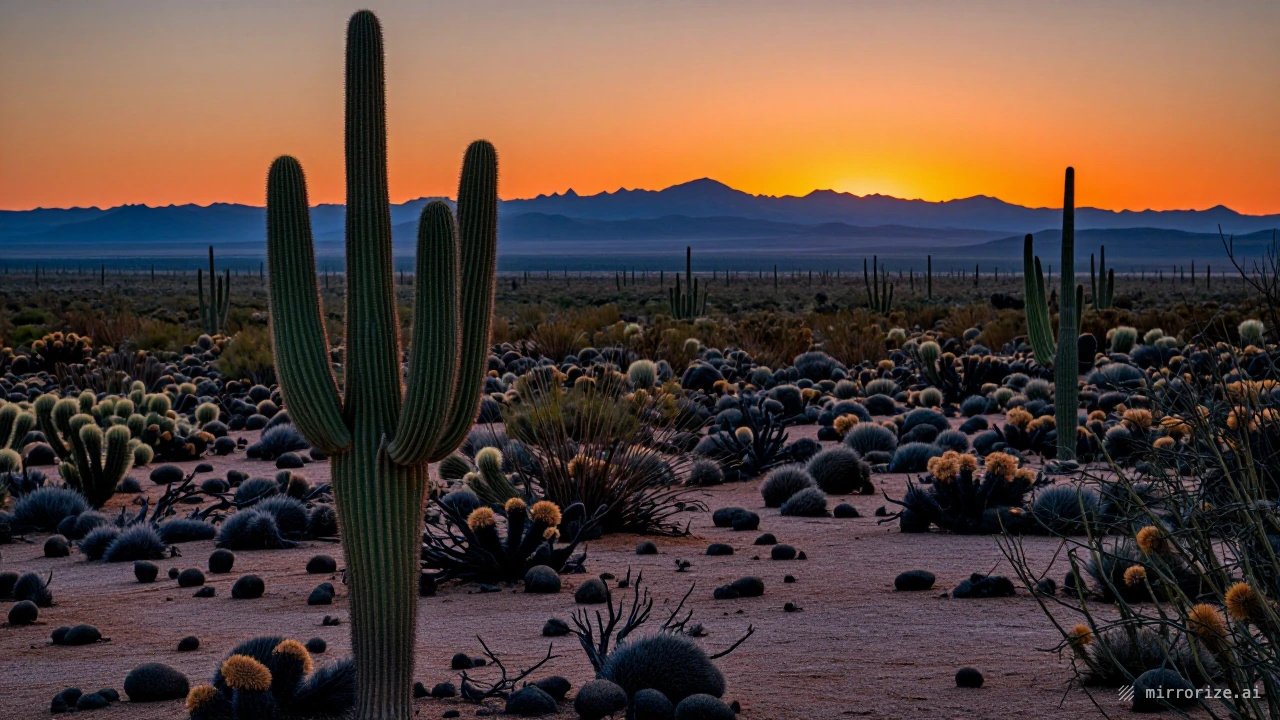
Before (no color theory): Both images made on Mirrorize Image Model
IMAGE PROMPT
A desert landscape at sunset with cactus and mountains in the distance
After (complementary palette):
IMAGE PROMPT
A desert landscape at golden hour, warm orange and amber sunlight on saguaro cactus, deep teal shadows stretching across the sand, complementary orange and teal color grading, cinematic contrast, rich saturated sky
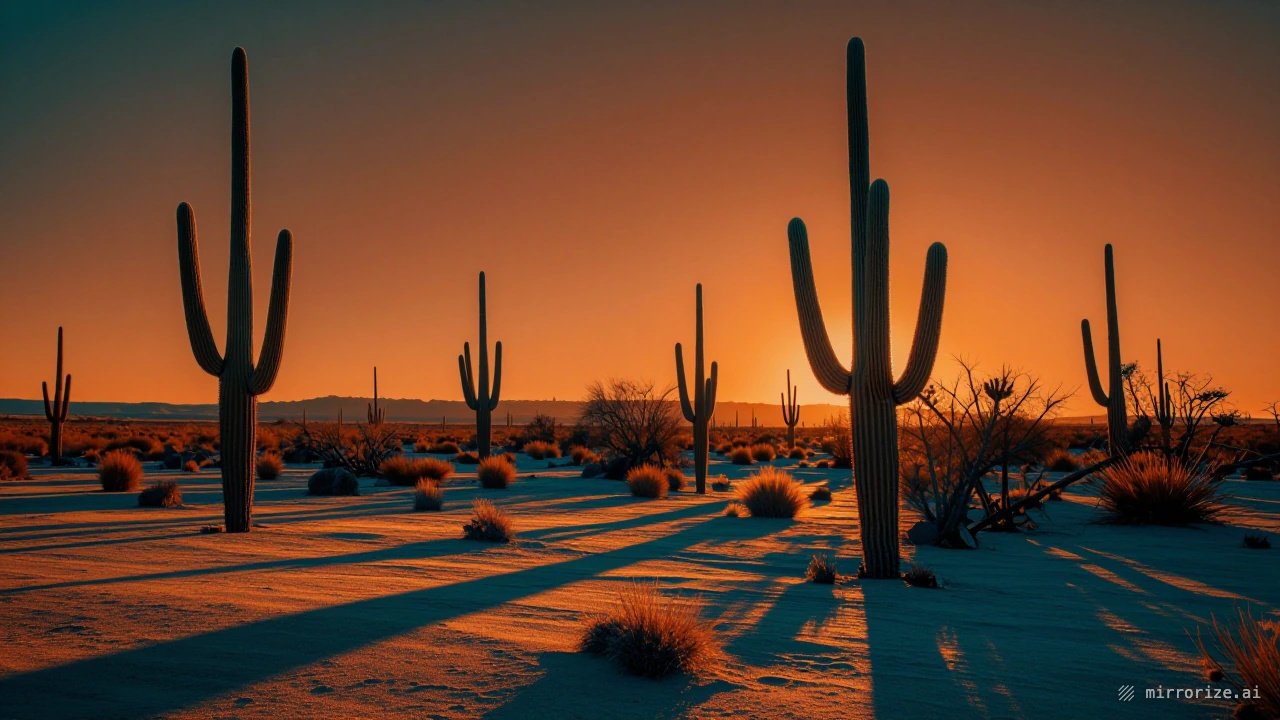
Why it works: Orange/teal is the classic Hollywood grade, warm subject, cool shadows. The image instantly reads as "cinematic."
Example 2 — Portrait (Analogous: Warm Golds)
Before: Both images made on Lisa Image Model
IMAGE PROMPT
Portrait of a woman standing in a field
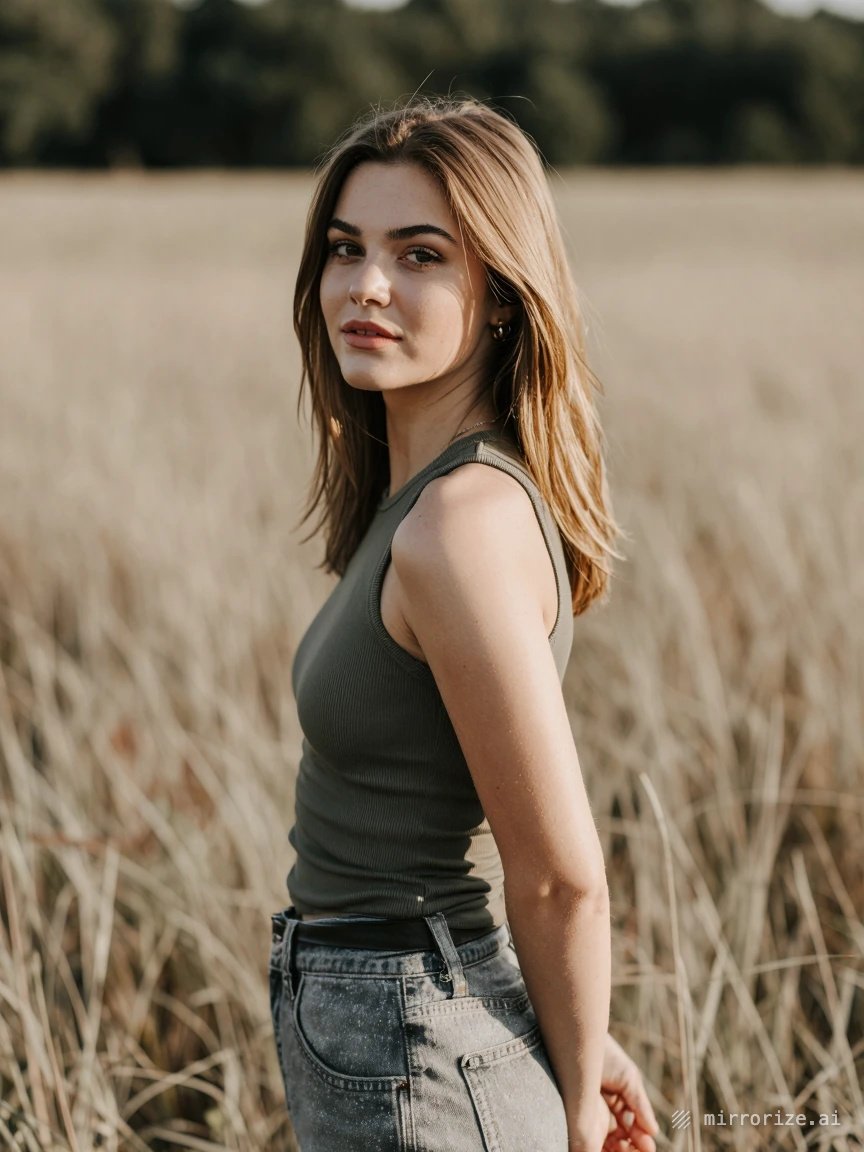
After:
IMAGE PROMPT
Portrait of a woman in a wheat field at golden hour, analogous warm color palette of gold, amber, and soft rust tones, honey-colored backlight, gentle tonal harmony, dreamy and warm atmosphere
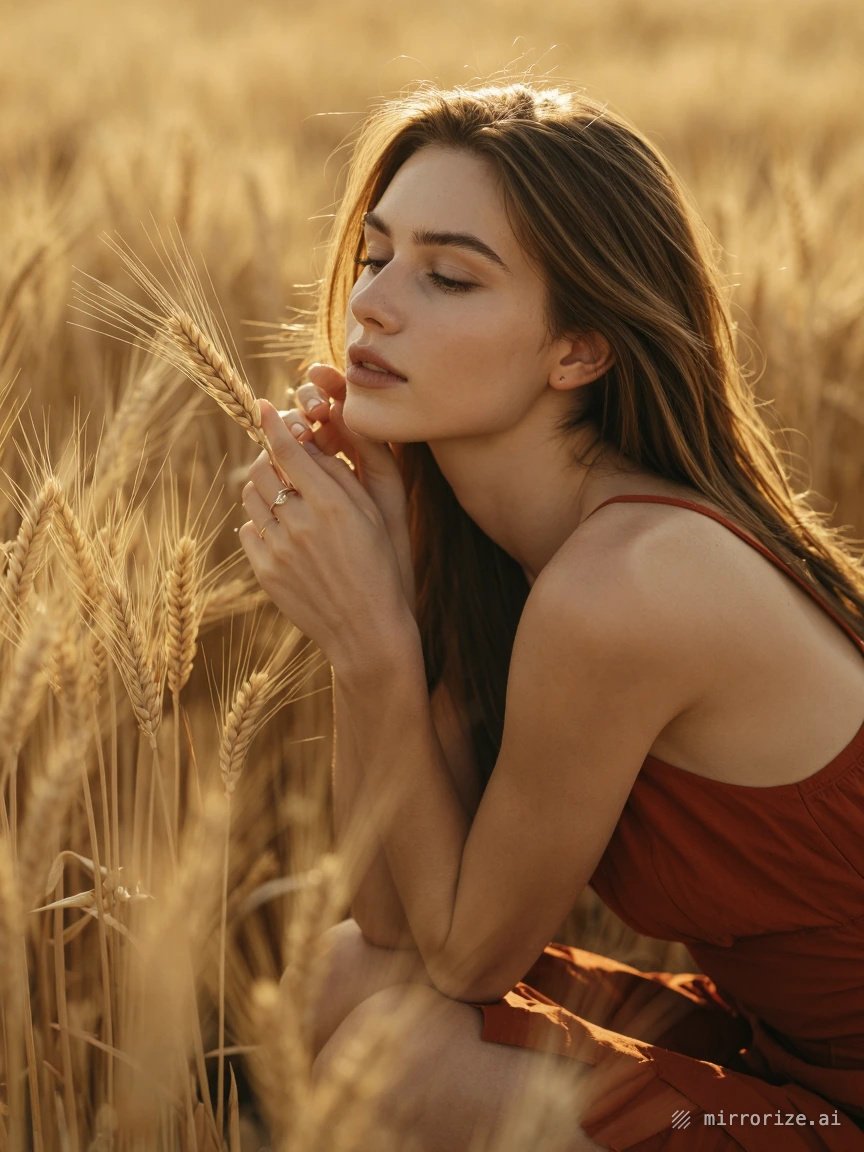
Why it works: Analogous colors sit side by side on the wheel, so nothing fights for attention. The mood feels unified and soft.
Example 3 — Retro Surf Scene (Triadic: Red, Yellow, Blue)
Before: Both images made on Eyecandy Image Model
IMAGE PROMPT
A 1960s surfer on a vintage beach
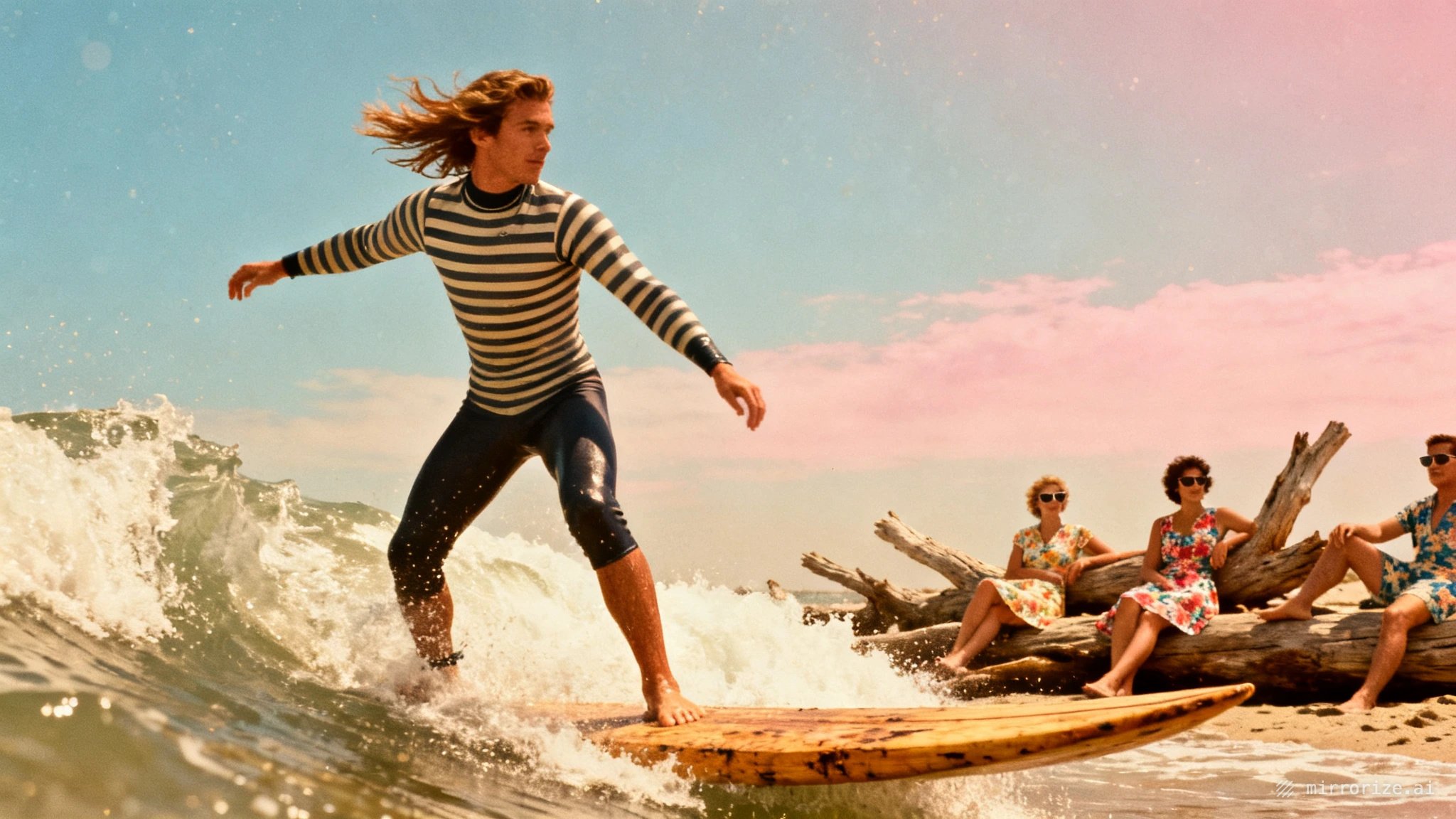
After:
IMAGE PROMPT
A 1960s surfer on a vintage beach, bold triadic color scheme of cherry red surfboard, sunshine yellow umbrella, and bright cobalt blue sky, retro Technicolor saturation, playful mid-century poster palette

Why it works: Triadic schemes spread three hues evenly around the wheel — energetic and colorful, but still balanced. Perfect for retro and pop-art looks.
Example 4 — Moody Night Scene (Split-Complementary: Blue + Orange/Red)
Before: Both images made on Warped Image Model
IMAGE PROMPT
A neon-lit city street at night in the rain
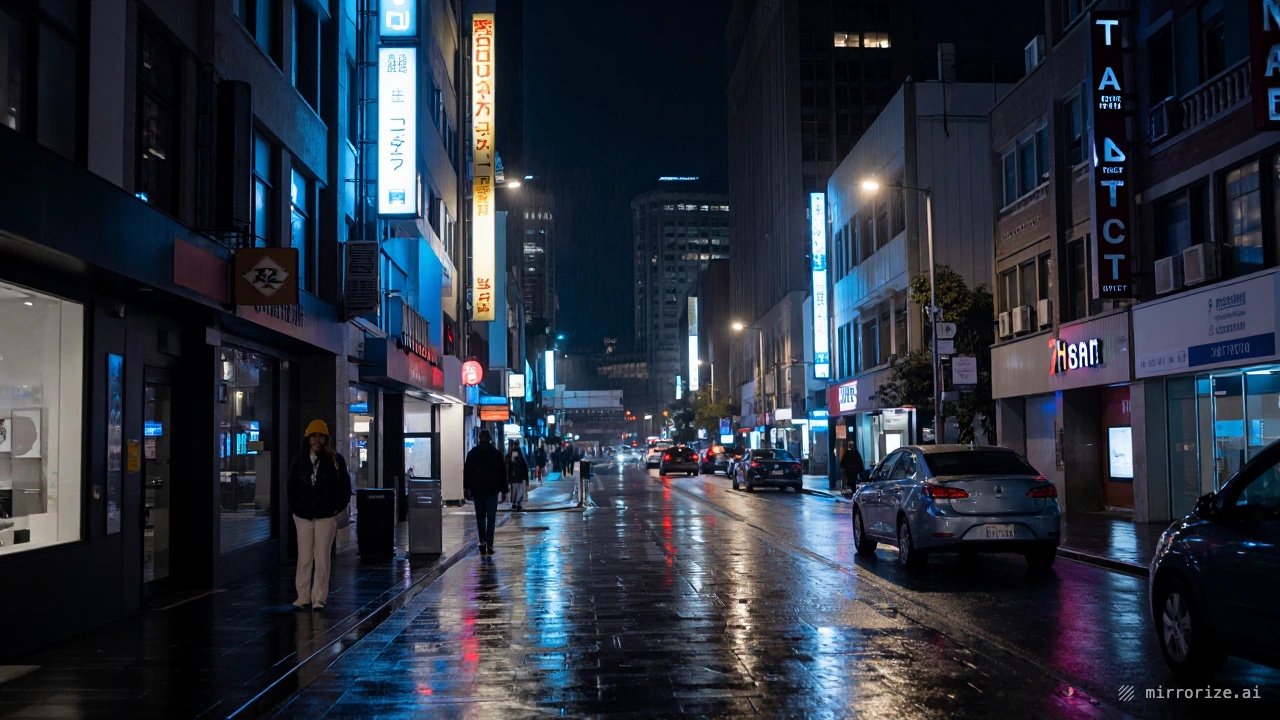
After:
IMAGE PROMPT
A rain-soaked city street at night, split-complementary palette of deep blue shadows with neon orange and magenta red signage reflections on wet pavement, moody cinematic lighting, controlled color contrast
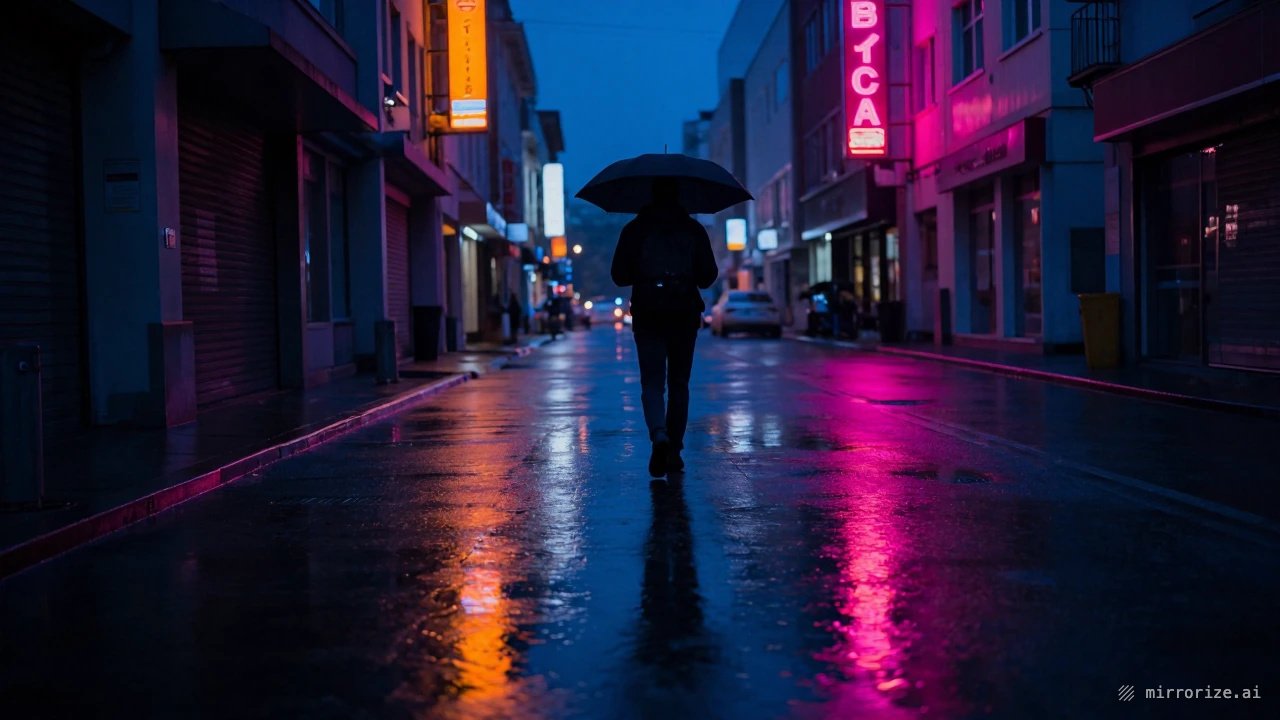
Why it works: You keep the punch of complementary contrast but soften it by splitting one side into two neighbors, drama without harshness.
Quick Tips for Color-Driven Prompts
Name the scheme. Words like complementary, analogous, and triadic are understood by most image models.
Name 2–3 specific colors. "Teal shadows, amber highlights" beats "colorful."
Assign colors to elements. Tie each color to something in the scene (sky, wardrobe, light source) so the model knows where to put it.
Limit the palette. Fewer colors = stronger image. If everything is colorful, nothing is.
The Takeaway
You don't need to be a painter, you just need to stop leaving color to chance. Pick a relationship from the wheel, name your colors in the prompt, and your images go from "AI random" to art-directed.