Viggle Remake Lets You Reshoot Footage You Already Shot
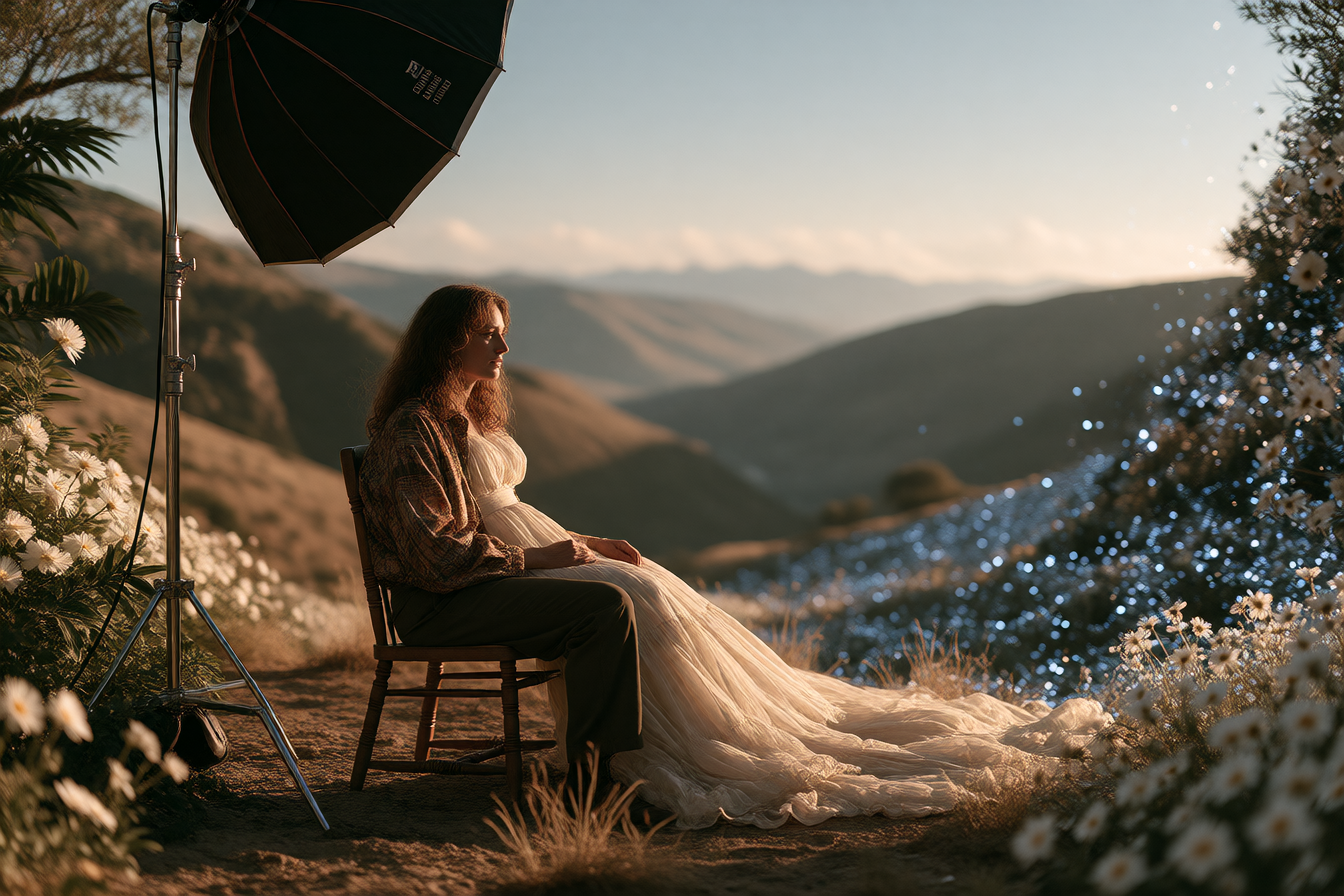
Viggle released Viggle Remake on November 4, offering something different from AI video generation: a way to edit footage you've already shot, keeping the performance, camera, and sound intact while you change everything else.
The tool is a video transformation agent released with open weights, letting you recast every character in a scene with consistency across cuts, swap objects, change the background, restyle or add VFX for up to 2 minutes, at $0.96 per 10 seconds at 720p.
How it works
Viggle Remake is a pair of LoRAs for MiniMax H3 that re-render video you already have. Swap mode replaces the people in a clip with different characters, while Edit mode changes objects, backgrounds, weather, and lighting; in both modes the original motion, camera moves, timing, and soundtrack stay as they were, and you paint one to four key frames to show what should change, and the model carries the change through the whole shot.
The workflow is iterative. You say what to change in your footage and keep revising in chat: recast people, swap objects, move the set, restyle, and with each reply you keep the cast and swap only the set, or ask for another take of a single shot, with every version kept so you can switch between versions.
What people are making with it
The Reddit thread lit up with creators testing it immediately. Announced and released November 4, it hit the top 5 topics on r/StableDiffusion by November 8. Viggle's own demos show concrete, finished work: three dancers becoming three musketeers with no mix-ups, a dancer becoming liquid chrome, a 55-second clip with 19 shots in one consistent edit, a hot-air balloon becoming a jellyfish.
A two-minute music video "White House Funk" cast was replaced through its fast cuts from at most one repainted frame per shot—the kind of work that would take traditional VFX teams weeks.
What's actually good
The shift from generation to editing hits a real need. Most AI video tools start from scratch; this starts from what you already shot. If you have footage with the right motion and timing, you keep it. It ships with ComfyUI nodes and int8 and GGUF versions, so it runs from 12 GB of VRAM, making it accessible to people running local workflows.
Pricing is less than half of what Higgsfield Genjutsu charges. There's an MCP server that lets coding assistants cut a long clip into windows, render each one, and stitch the result back together, automating the heavy lifting for longer pieces.
Open weights mean the AI community has more opportunities to explore and build with the technology. The HuggingFace page includes ComfyUI guides, ready-made graphs, and model architecture documentation.
Limitations
Each render window covers about 12 seconds—fine for music videos or short-form content, harder for long single takes. Complex scenes are harder than single subjects; several characters at once, close interaction between them, and shots that cut all show quality drops off enough that Viggle wouldn't call them solved.
The release includes no quality measurements, only curated demos, so expect edge cases to look rough. And this tool puts a person into footage they did not shoot, so only use it on your own material or material you have permission for.
How to try it
The web version is live at viggle.ai/meme/app/home. Remake is included in every paid Viggle plan, from $7.99 a month billed yearly. For local work, the weights and ComfyUI guide are on the model page at huggingface.co/Viggle/Viggle-Remake. Start with a clip you've already shot—the better the original performance, the better the edit.