Why Artists Are Switching to Mirrorize for AI Art Generation
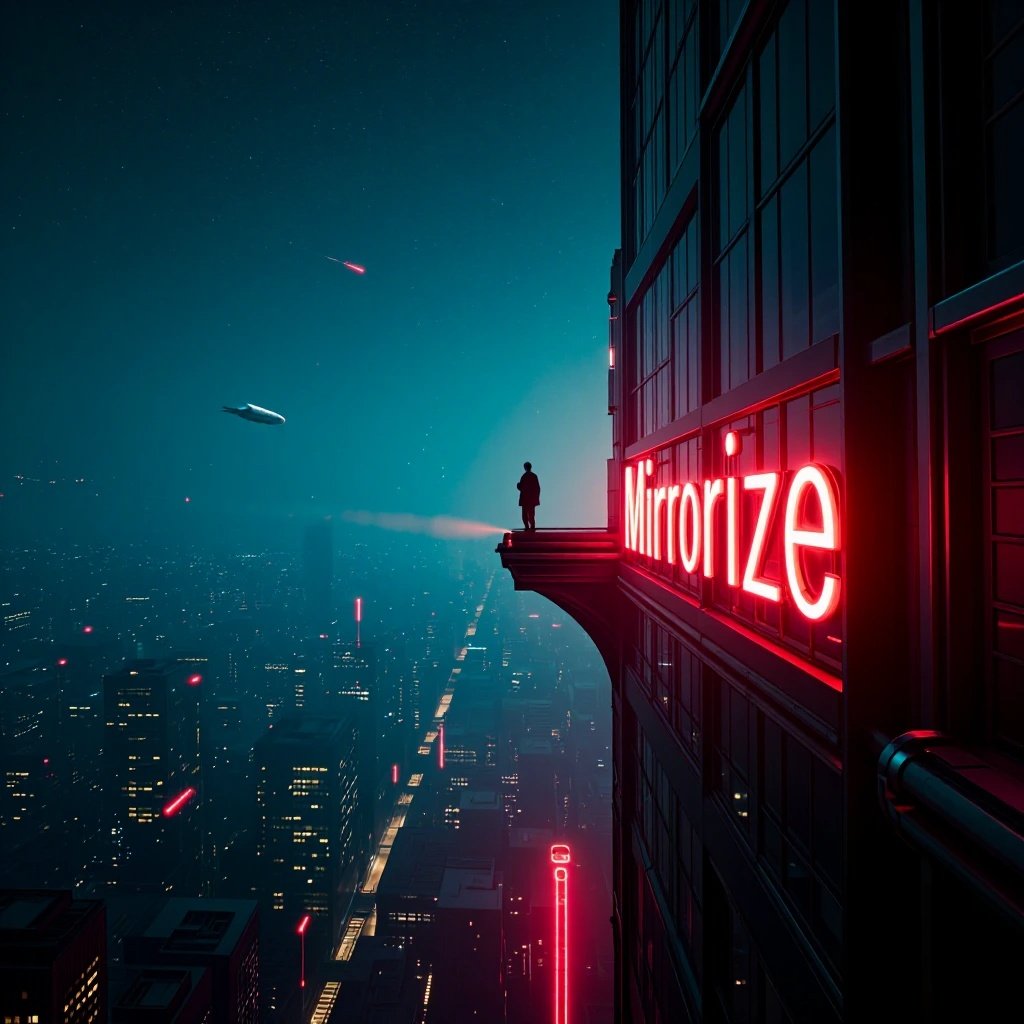
The Shift to Mirrorize: What Creative People Actually Care About
If you've spent any time in AI art communities, you've seen the pattern. Someone posts an incredible image, people ask "what did you use?", and increasingly, the answer is Mirrorize. Not because it's the newest platform, but because it solves problems that other tools either ignore or bury under complexity.
The AI art landscape is crowded. Midjourney dominates Discord servers, DALL-E sits inside ChatGPT, and a dozen startups chase the same feature list. So why are artists, designers, and content creators migrating to a platform that doesn't have the biggest marketing budget? The answer comes down to three things that actually matter when you're trying to make something: choice without chaos, speed that doesn't sacrifice quality, and tools that work the way creative people actually think.
50+ Image Generators That Feel Like Having Options, Not Homework
Most platforms give you one AI model and call it a day. Mirrorize gives you over 50 image generators organized into categories that make sense. This isn't variety for variety's sake — different visual problems need different tools.
The MV4 generators are the newest: Stellar for cosmic sci-fi scenes, Gravitron for physics-defying compositions, Manga and Sakura for anime aesthetics. MV3 generators like Exodus handle photorealistic portraits, while Radiant excels at vibrant color work. Then there are the MV2 classics — Proximity remains beloved for intimate, cinematic shots that feel like film stills, while DarkMirror leans into gothic surrealism.
The practical advantage: you're not fighting one AI's limitations. Need something illustrated? Use Drawn or Darkwhims. Want anime-specific results? Horizon, Animagic, or Lulu. Commercial project that needs absolute control? Flux 2 Pro or Kling V3 cost a few credits but deliver predictable quality.
Other platforms make you learn prompt syntax tricks to bend their single model toward different styles. Mirrorize lets you pick the right tool for the job. It's faster, and the results look intentional instead of coaxed.
Style Stacking: The Feature That Changes How You Think About Prompts
Here's where Mirrorize does something genuinely different. The platform has 100+ styles organized into 9 categories — Artistic, Photography, Film & Vintage, Effects, Mood & Theme, Texture & Style, Shots & Angles, 3D & Render, Time Period. You can stack up to three per generation.
The magic is in the intelligence behind it. Composition styles (like Dutch Angle or Wide Shot) automatically position themselves at the start of your prompt. Texture styles wrap around your subject. Mood styles finish the instruction. The platform handles the placement logic so you don't have to.
Try stacking Dutch Angle + Frozen + Cinematic. Or Macro + Grainy Film + 1970s. The combinations create aesthetics you wouldn't think to describe manually, and they work consistently across different generators.
This matters because prompt writing shouldn't feel like programming. You're trying to make art, not debug syntax. Style stacking lets you think in visual concepts — "I want this to feel cold and cinematic with an off-kilter angle" — and the platform translates that into technical instructions.
Other tools make you write everything into one text box and hope. Mirrorize separates the "what" (your prompt) from the "how" (styles and generator), which matches how creative decisions actually happen.
Video Generation That Doesn't Make You Leave the Platform
Most AI image tools bolt on video as an afterthought or don't offer it at all. Mirrorize treats video as part of the same creative flow.
The Animate button appears on any image in your gallery. Click it, and the image loads into the Video tab with everything pre-filled. From there, choose PixVerse v6 (the high-quality option with audio and multi-clip support) or MVG (faster and cheaper for simple animations). Pick your duration — 5, 10, or 15 seconds — and generate.
PixVerse v6 costs 15/25/40 credits depending on length. MVG costs 25/40/60. The difference: PixVerse handles complex motion and sound better. MVG is perfect for quick social media clips or concept tests.
The Ideas from Image feature deserves mention. Click it, and the AI suggests video prompts based on your image's content. If you generated a character portrait, it might suggest "slow push-in on face, wind in hair, dramatic lighting shift." If it's a landscape, maybe "camera pan across horizon, golden hour light transitioning to dusk."
This integration matters because creative work rarely stops at static images. Being able to turn your concept into motion without exporting, uploading, and learning a different tool's interface removes friction that kills momentum.
The Gallery and Remix System: Iteration Without Frustration
Every generation you make lives in the Gallery. Click any image to expand it. From there: download, post to the Feed, animate, or Edit (opens image editing tools). The Remix button is quietly powerful — it reloads that generation's prompt, generator, and style settings so you can iterate without recreating your setup.
This sounds basic, but most platforms treat past generations as dead ends. You download and move on. Mirrorize treats them as starting points. Made something interesting but slightly off? Remix, adjust one word, try a different style, regenerate. The history stays intact.
For anyone creating series, campaigns, or refining a specific aesthetic, this saves hours. You're not screenshotting settings or keeping separate notes. The platform remembers.
Credits That Actually Make Sense
Mirrorize uses Glass credits (⚡) as currency. Here's the structure that makes it work:
Pro subscription ($9.99/month) gives unlimited access to all MV, Illustration, and Anime generators, plus 400 credits monthly for commercial generators and video. Most people on Pro rarely run out — those 400 credits go far if you're using the free generators for bulk work.
Free users pay small amounts for MV generators (a few credits per image) and can purchase credit packs from 50 to 1250 in the Shop. Commercial generators like Darkstar, Flux 2 Pro, and Kling V3 cost 2-10 credits per generation regardless of plan tier.
Compare this to subscription fatigue elsewhere: Midjourney starts at $10/month for 200 images (with no video), DALL-E sells credit packs that drain fast, Leonardo.ai limits daily tokens on free tier. Mirrorize's model lets you control costs — use free generators when experimenting, spend credits only when quality justifies it.
Social Features Built for People Who Make Things
The Mindstream (Mirrorize's feed) has For You and Following tabs. Posts show AI-generated images with full prompt info available. You can Resonance (like), Echo (repost), or comment. It's not revolutionary, but it's useful — seeing what styles and generators produce trending results gives you shortcuts to better work.
Qi Chat, the built-in AI assistant, helps with creative blocks and prompt suggestions. Ask "how do I make this look more cinematic?" or "what style works for retro sci-fi?" and get usable answers without leaving the platform.
The Explore section surfaces trending posts, news, and AI art discussions. Again, not groundbreaking, but coherent. You're not jumping between Discord servers, Reddit threads, and Twitter searches to stay current.
Why This Matters: Tools Should Adapt to You
The underlying reason Mirrorize is winning creators comes down to friction. Other platforms optimize for scale or simplicity at the expense of flexibility. They give you one powerful hammer and expect you to use it for everything.
Mirrorize optimizes for creative range. Multiple generators mean you pick the right tool. Style stacking means you think in concepts, not syntax. Video integration means momentum doesn't break. Remix means iteration is cheap. The credit system means you control costs based on what each project needs.
It's not perfect — no platform is. But for people who make things regularly, who need different aesthetics for different projects, who want to move from idea to image to video without tab-switching and context-switching... Mirrorize removes the friction that makes AI art feel like fighting software instead of making art.
Try it at mirrorize.ai. Generate something with Proximity and the Cinematic style. Then animate it with PixVerse. The difference between reading about tools and using tools that actually fit how you work becomes obvious fast.